When a book changes or a reader loses access, the question is who did it and when. The Activity Log writes down every change staff make in the library - content, permissions, discount tiers, readers' accounts and licences, announcements and groups - as it happens.
The screens pictured here are an example ministry’s, so the names and figures in them are not yours. Everything they show works the same way in your own admin.
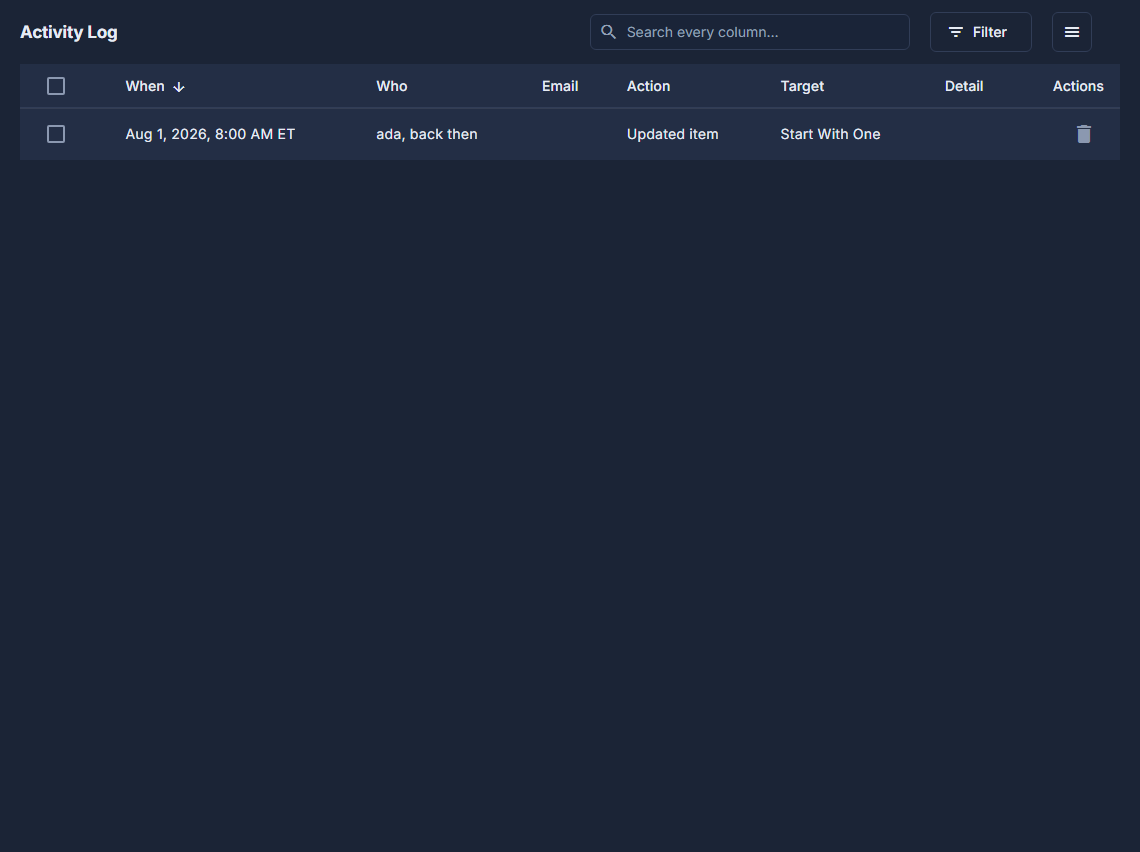
Open Library, then Activity Log under Reports.
Read the newest first.
When, who did it, their email, what they did, what it was done to, and the detail. The screen keeps the latest 500 and adds new ones as they happen.
Use the search box and Filter to find one change.
A reader's email, a book's name, or an action such as Revoked book license.
Tidy it if you need to: the bin on a row, or tick rows and choose Delete Selected under the ☰.
Both ask first. Export to Excel and Columns are under the ☰ too.
It records what staff change, not what people read. An empty log says "No activity recorded yet."
A deleted entry is gone for good, and is the record somebody may later need. Delete only what you are sure nobody will ask about.