Everything in the library sits in the same four layers, and you walk down them one at a time. Knowing the layers is most of knowing where anything is.
The screens pictured here are an example ministry’s, so the names and figures in them are not yours. Everything they show works the same way in your own admin.
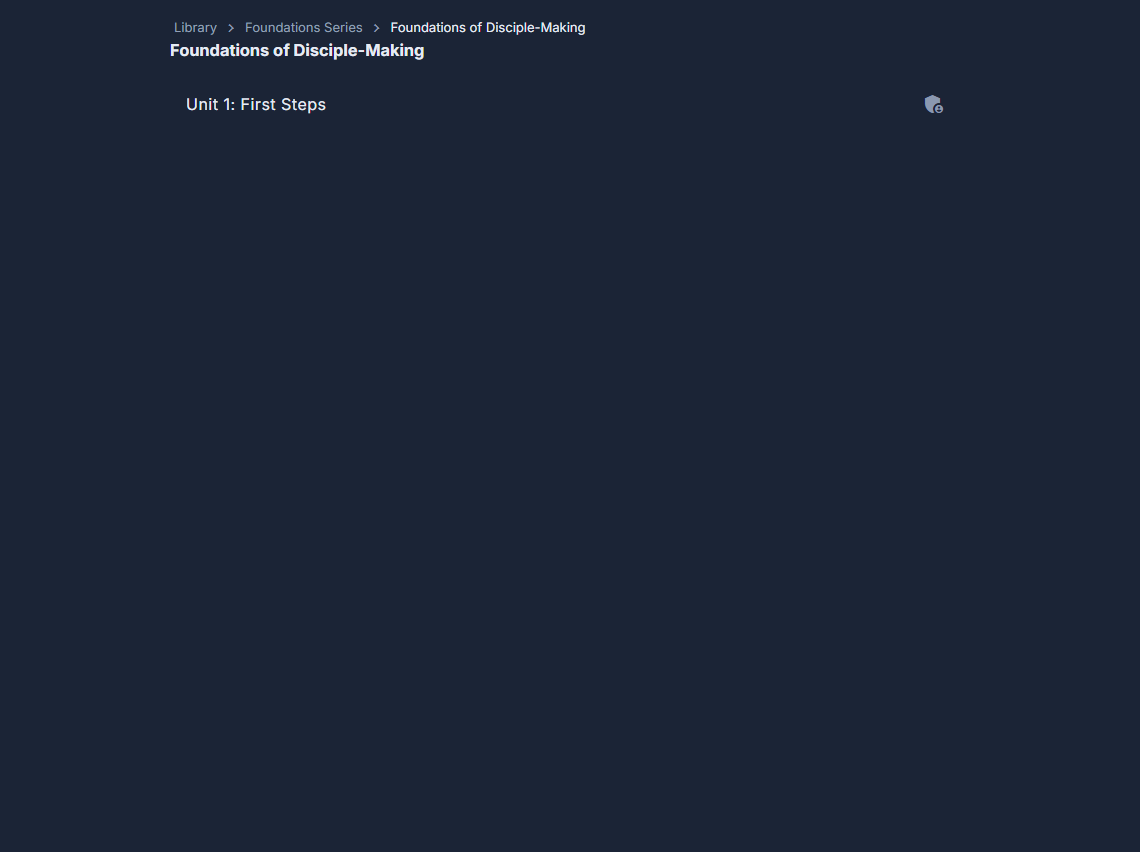
Open Library, then Browse.
You start on the list of series.
Press a series to see the books in it.
Press a book to see its units.
A unit is a part of a book - a week, a section.
Press a unit to see its lessons.
Press a lesson to open it in the Lesson Editor.
Use the breadcrumbs at the top to go back up.
Library › Series › Book › Unit - every one before where you are is a link, on Browse, the Lesson Editor, its Preview and its Translations. The browser's own Back leaves the Library rather than going up a level.
A book import still being worked on is listed at the top of Browse, under Book imports in progress, with Continue - or Open once it has been written.
A book marked Unpublished is not in the reader app yet. Everything else on the list is.
You only see what you have been given. A list that looks short is usually a permission rather than a missing book.