A book stays out of the reader app until you publish it, so a half-finished import is never something anybody can open. Publishing is one switch, and it can be switched back.
The screens pictured here are an example ministry’s, so the names and figures in them are not yours. Everything they show works the same way in your own admin.
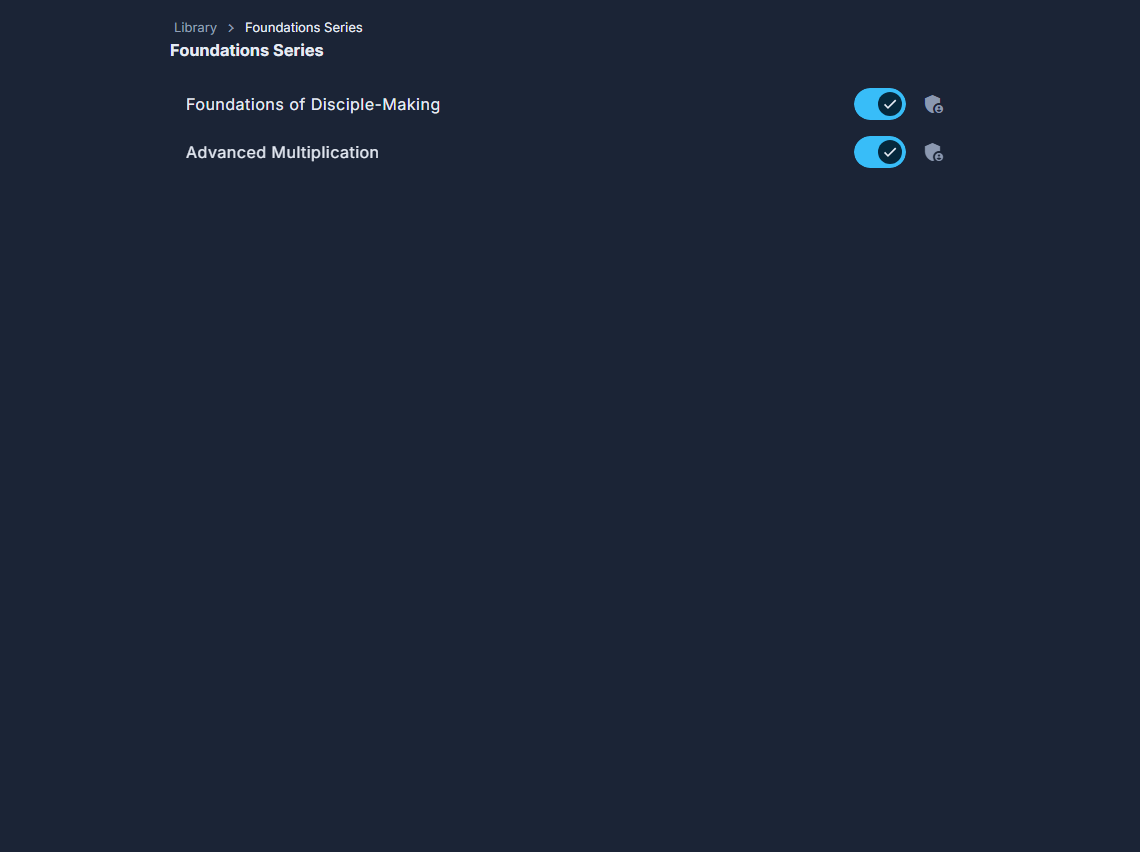
Open Library, then Browse, and open the series the book is in.
Find the book.
An unfinished one is marked Unpublished beside its title.
Switch the toggle on its row on.
On means visible in the reader app; off hides it again. Hold the pointer over it and it says which it is now.
Read the lessons first if you are not sure.
Publishing shows the book as it stands, placeholders and all.
This is what readers see. Switching it on puts the book in front of everybody licensed for it straight away.
No switch on the row means you may look at that book but not change it.