The reader app notes roughly where somebody is each time they sign in, from their internet connection. The map puts those places together, so you can see where the books have reached.
The screens pictured here are an example ministry’s, so the names and figures in them are not yours. Everything they show works the same way in your own admin.
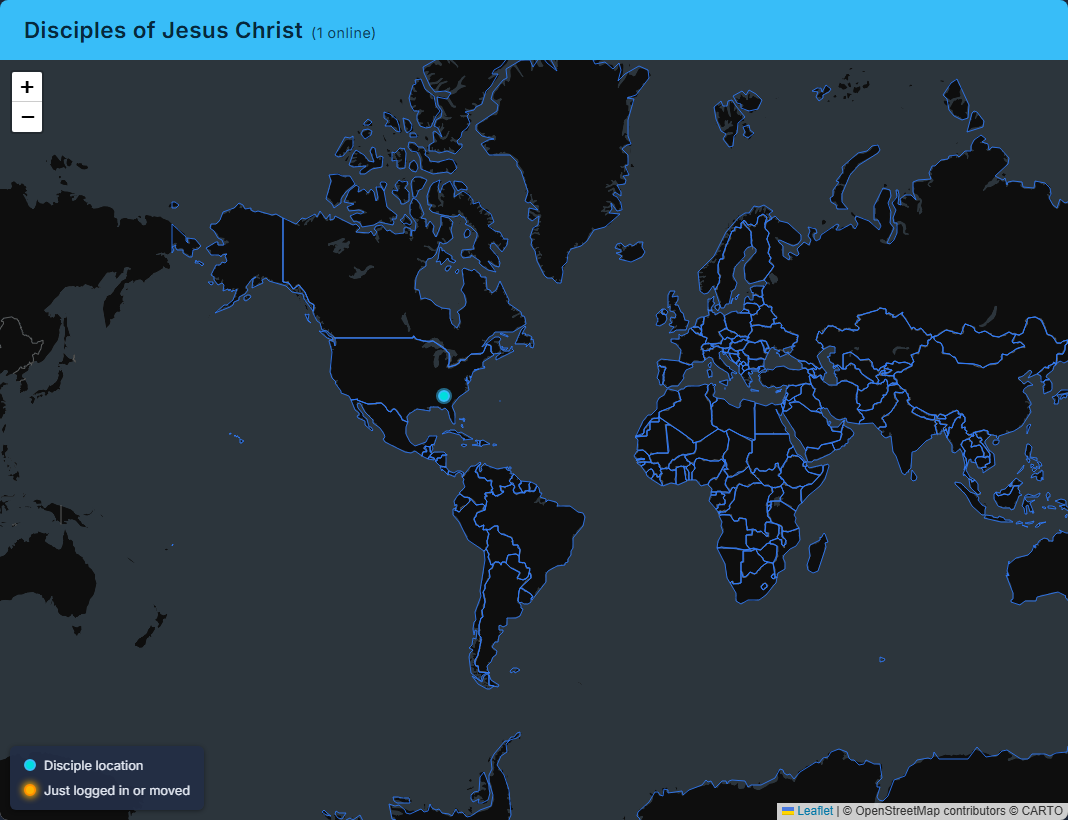
Open Library, then World Map.
Read the count in the heading.
It counts every reader with a place on file - not only the people reading right now.
Press a dot to see who it is and where.
Their name, or their email, and the town, region and country. A reader who has never given a place is not on the map.
Leave it open to watch it change.
A dot that has just appeared or moved - somebody signing in - glows for a few seconds.
The place comes from the connection, so it is the nearest town at best - and can be wrong for somebody on a phone network or a VPN.
Nothing here can be changed or exported: it is a picture of the Library Users list.