When an email failed to send or a page would not save, the reason was written here. You will rarely need it yourself; it is what to quote to the person who looks after the site.
The screens pictured here are an example ministry’s, so the names and figures in them are not yours. Everything they show works the same way in your own admin.
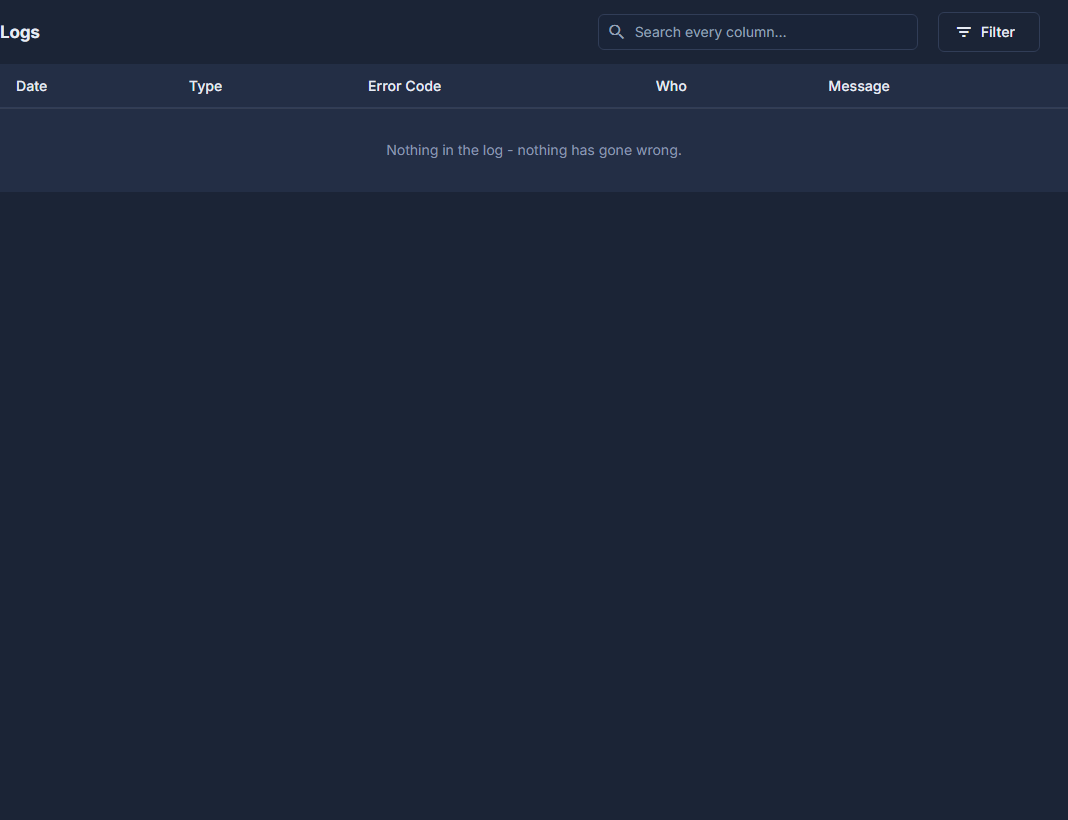
Press your name at the top right, then Logs.
Only an administrator sees it in that menu.
Read the Date, Type, Error Code, Who and Message columns.
Type the date or the code into the search box to narrow the list - it looks through the whole log, not only what is on screen.
Pass the date and the error code on to whoever supports the site.
Those two are what they need to find the rest.
An empty list is not a broken screen. Nothing is written here unless something failed.
Entries older than 90 days are removed each night, so pass a date and code on while it is recent.