An affiliate is somebody who sends you buyers. Give them a coupon marked as theirs, and every order that uses it is counted to them, with a tenth of what it took as their commission.
The screens pictured here are an example ministry’s, so the names and figures in them are not yours. Everything they show works the same way in your own admin.

Open Back Office, then Commerce, then Coupons, and open the affiliate's coupon - or press New to make one.
Tick Affiliate Coupon? and fill in Affiliate Name and Affiliate PayPal Account.
The name is what the report groups by. The account is written down so whoever pays them knows where; nothing here sends money.
Press Save.
From then on the coupon's dialog shows an Affiliate Sales panel listing the orders that used it.
At the end of the month, open Back Office, then Commerce, then Commissions under Reports, and pick the month and year.
One affiliate per bar, with what they sold and what they are owed, opened to show each order and its lines. Press a bar to fold it.
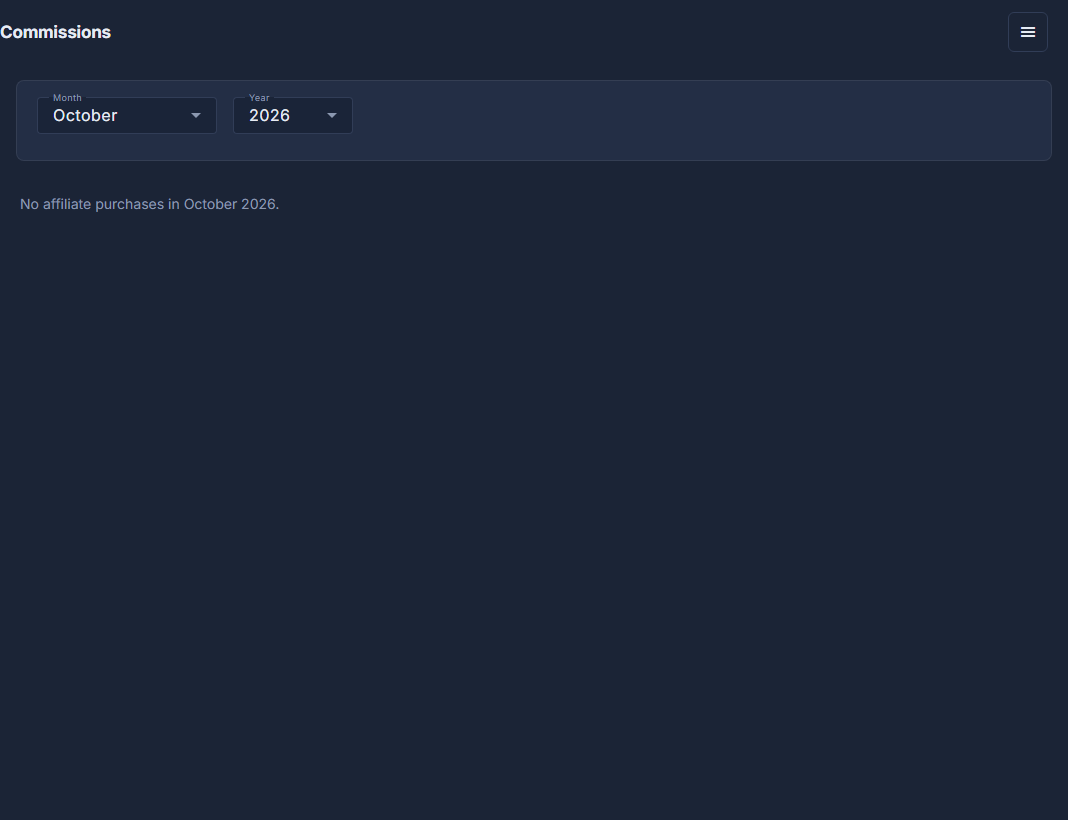
Commissions: a month and a year, and the affiliates who sold that month. Open the ☰ at the top of the screen and choose Export to Excel to send them the list.
Commission is a tenth of what the sale actually took after the discount, never of the list price.
Untick Affiliate Coupon? and the code keeps working, but its orders leave the report.