A coupon is a code and a percentage. What it applies to is decided by the items you list on it - and by default, that is everything.
The screens pictured here are an example ministry’s, so the names and figures in them are not yours. Everything they show works the same way in your own admin.
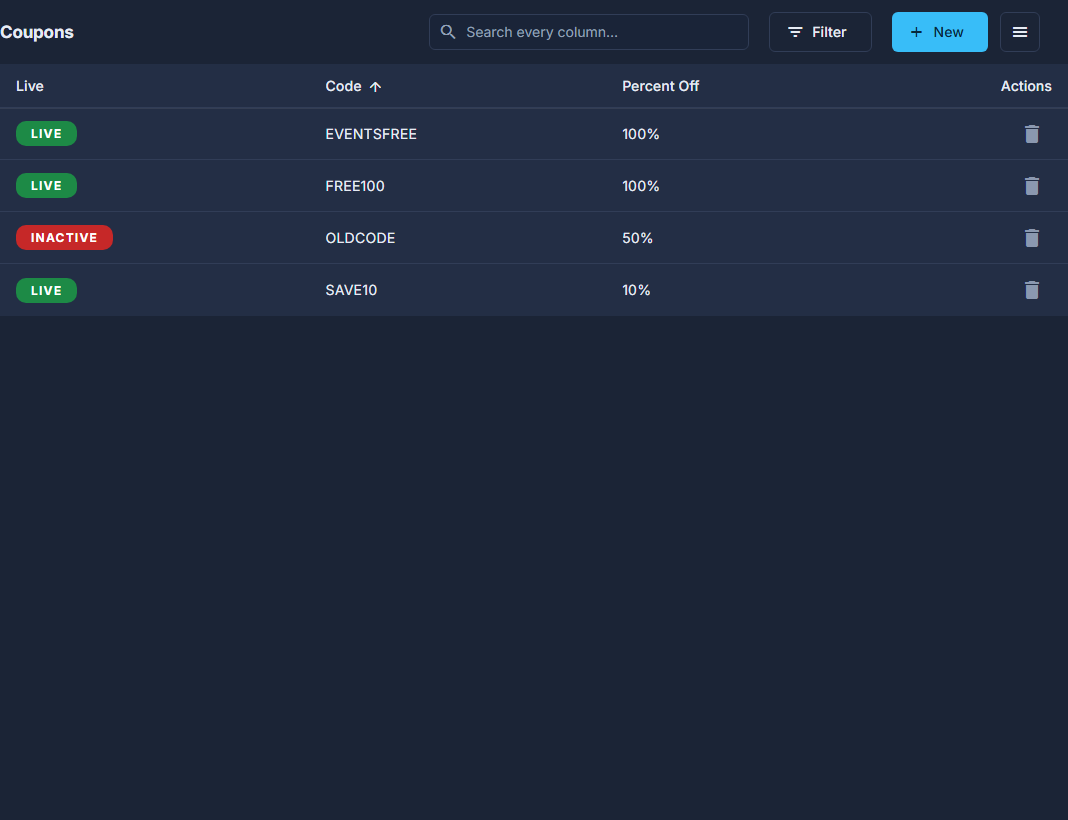
Open Back Office, then Commerce, then Coupons, and press New.
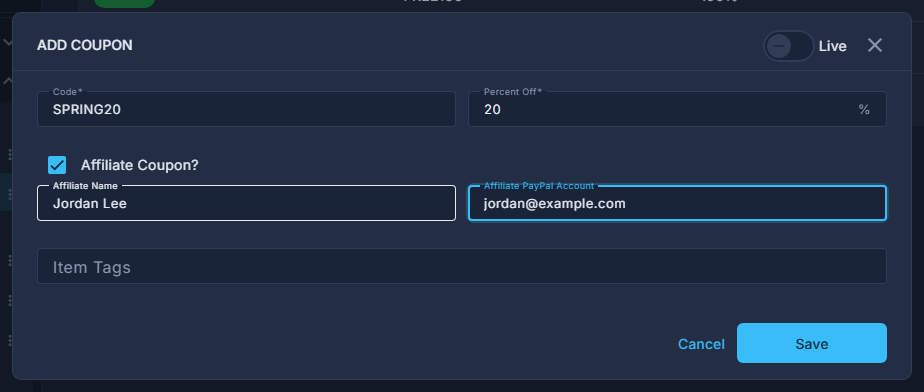
A new coupon, typed but not yet saved. Type the Code people will type, and the Percent Off.
Between 0 and 100. 100 is a giveaway.
Under Item Tags, add the products or events it covers.
There is an "All events" choice that covers every event, including ones you make later.

Item Tags on a coupon that covers every event and nothing else. For an affiliate, tick Affiliate Coupon? and fill in their name and PayPal account.
That is what puts their sales on the Commissions report.
Switch Live on and press Save.
A coupon with no Item Tags on it applies to everything you sell. Listing the items is how you keep a book discount off the conference tickets.
Nothing stacks. A line gets whichever is best for the buyer out of a sale price, a coupon and a bulk discount - never two of them together. A 100% coupon therefore still gets the holder in free even while a sale or an early-bird price is running, because free is as low as a price goes.