A carousel shows one slide at a time and moves on - by the arrows, or by itself. Each slide is a column, so a slide can be a picture, a picture with words over it, a quote, or a whole arrangement.
The screens pictured here are an example ministry’s, so the names and figures in them are not yours. Everything they show works the same way in your own admin.
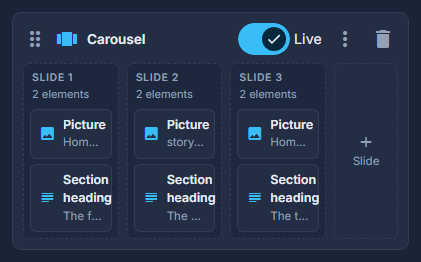

Drag Carousel from Build your own into the structure.
Add a slide with + Slide, and drop elements into each.
Reorder slides by dragging them.
The first slide is the one a visitor lands on.
Tip
For a row of pictures that each open full screen, the Picture grid element is lighter than a carousel. For quotes, the Quote carousel look of a List reads them from Testimonials.