When one band has to say three things - for pastors, for leaders, for churches - and a visitor wants only one of them, Tabs let them choose. Each tab is a column: name it, and put in it whatever that tab is about. Since 21 September a tab can also be built out of sections, so a tab can be a small page in its own right.
The screens pictured here are an example ministry’s, so the names and figures in them are not yours. Everything they show works the same way in your own admin.
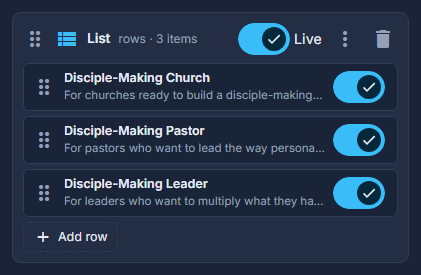
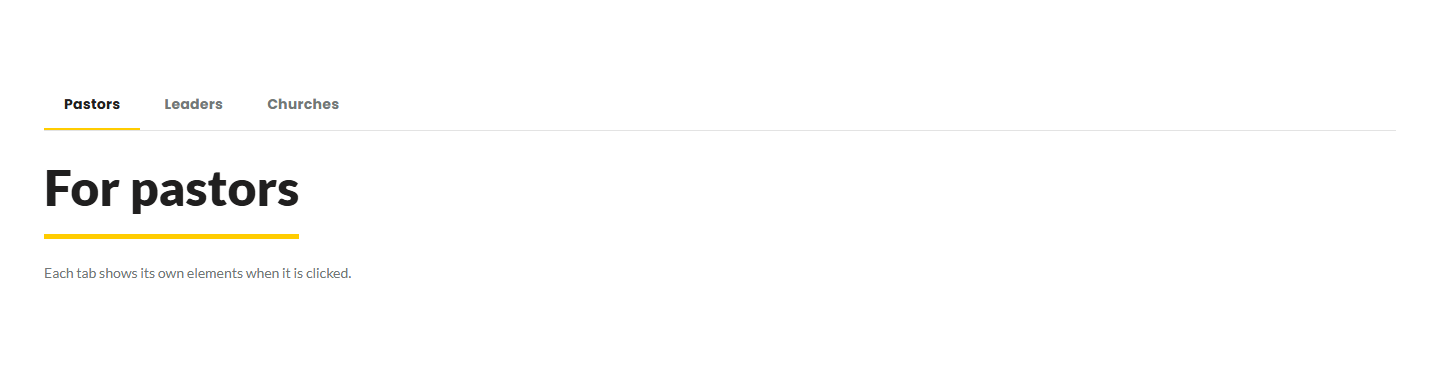
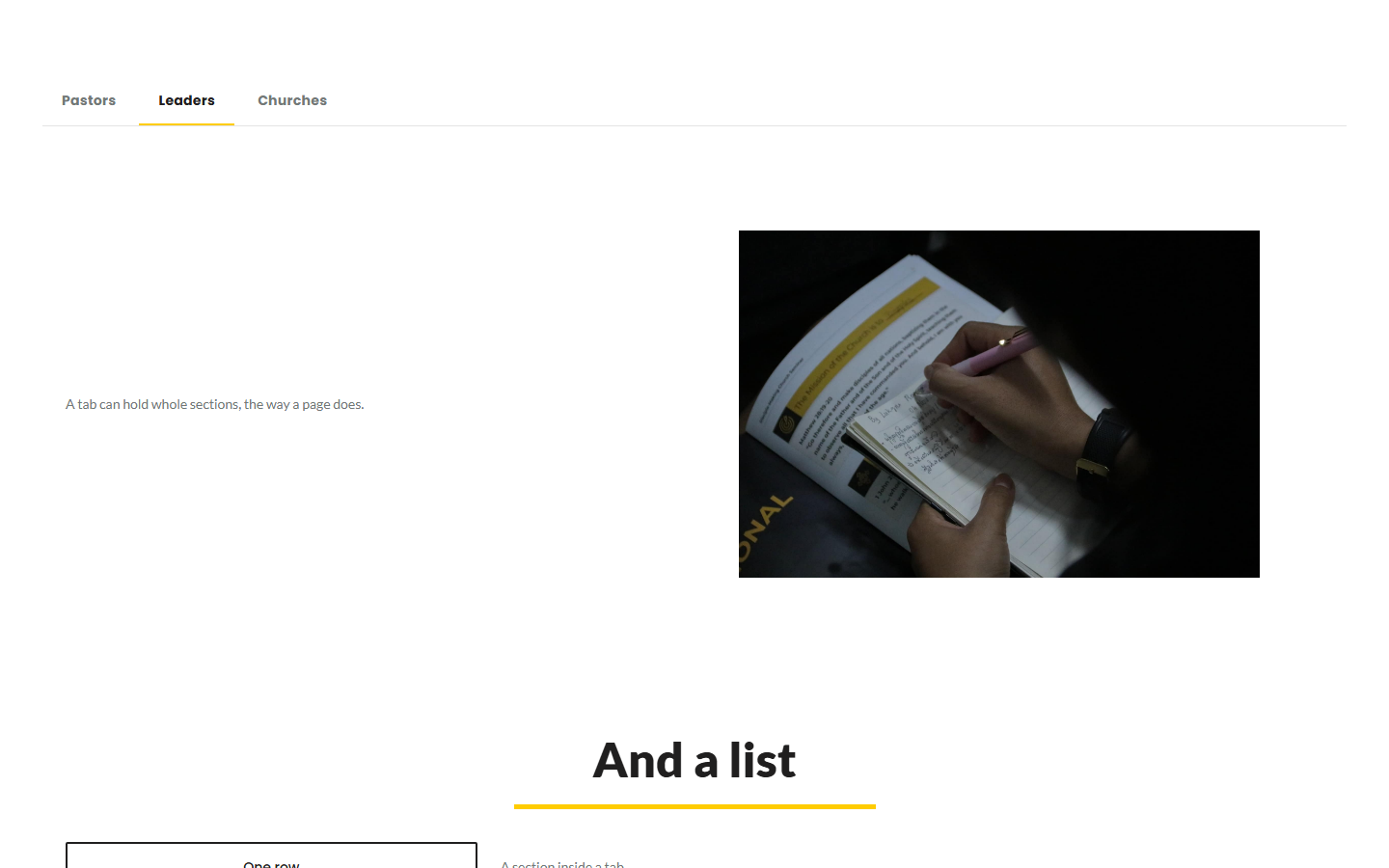
Drag Tabs from Build your own into the structure.
Add a tab with + Tab, and double-click each to name it.
The name is what the strip shows. Drag tabs by their heading to reorder them.
Drop elements into a tab, as into any column.
A heading, some words, a picture, a button - the same elements a Section takes.
Or press "Or Build This tab Out of Sections" inside an empty tab; Add a Section adds more.
A tab that holds no elements offers this instead. Each section inside it is a full card - its own columns, its own Live switch, its own menu - and it can be a List as well as a Section. One level only: a section inside a tab cannot hold tabs of its own.
Delete, copy and share a section inside a tab the way you would anywhere.
The red trash can removes it; the menu duplicates it or copies it to another page.
The strip scrolls sideways when the tabs will not fit, without a scrollbar of its own. Keep the names short and it rarely needs to.
The colour behind a tab belongs to the tab, not to the strip: set a ground on the column and that tab wears it. The band itself has no ground of its own.