A section is a band across the page. Which kind you add decides how it holds things: a Section holds columns of elements, a List repeats one item shape, and the four panels - Tabs, Fold-open panels, Carousel, Media band - each hold their contents a particular way. Pick the kind by what the band has to do, not by how it looks; the look comes afterwards.
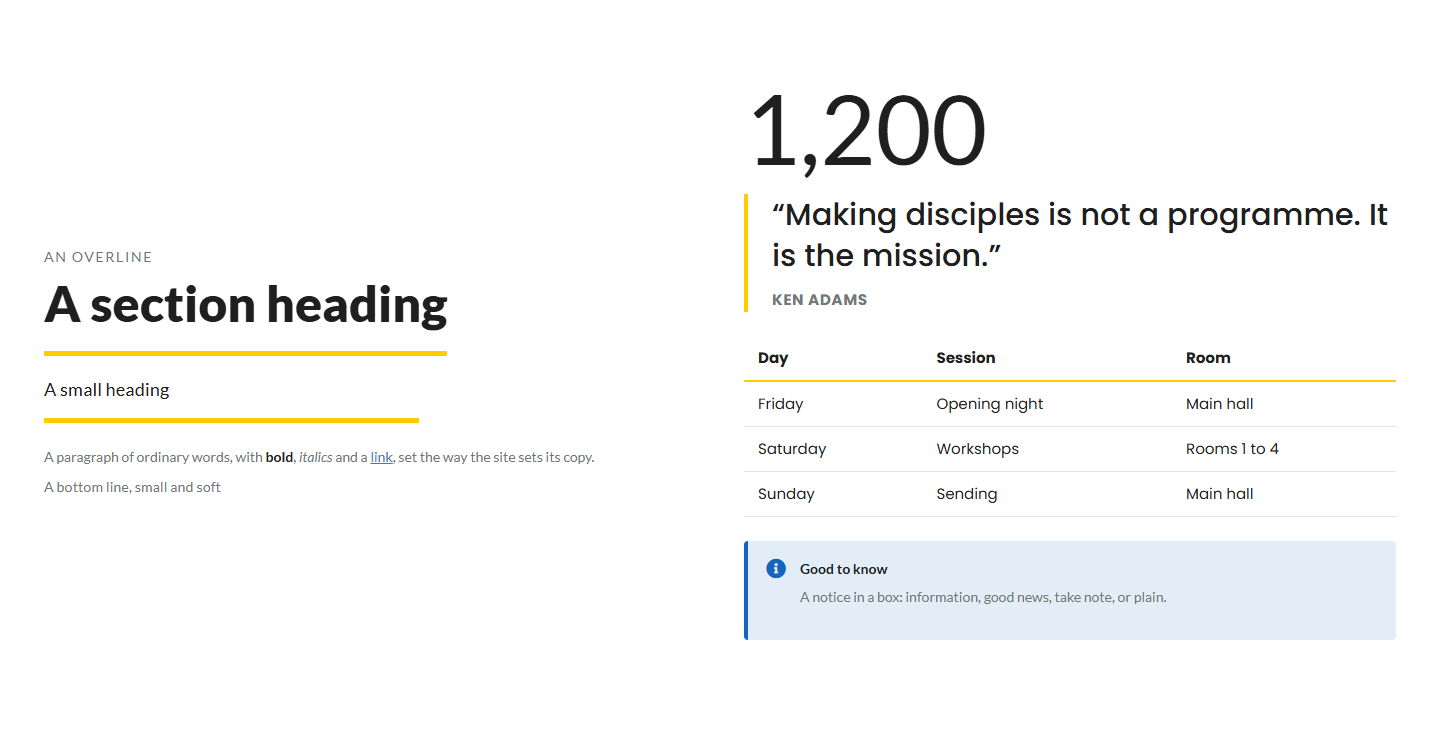
The screens pictured here are an example ministry’s, so the names and figures in them are not yours. Everything they show works the same way in your own admin.
Open Build your own on the Add rail.
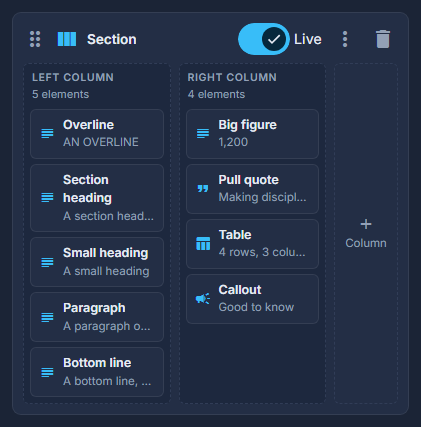
Section: one, two or three columns of whatever you put in them. List: one item shape, repeated. Tabs, Fold-open panels, Carousel: panels that each hold their own elements. Media band: a full-width picture or video with your elements over it.
Drag the kind you want into the structure, or click it to add it at the bottom.
The header stays first: nothing can be dragged above it.
For a Section, add columns with the + Column box on its right.
Up to three. Each column is a box you drop elements into, and it can wear a painted ground, hold its words to a comfortable width, or span the whole row.
Double-click the section to set its ground and its width.
The ground is the colour or photo behind the band; "same as the page" follows the page's own base. Width is full or held to the page's measure. You can also hide the section on phones or on desktops, and reverse the order its columns stack in on a phone.
Give it an Anchor when a button elsewhere on the page should jump to it.
The Anchor box is at the top of the section's settings: lower-case words with hyphens, as in our-history. A button whose destination is "A section on this page" - or whose address is typed as #our-history - then scrolls the visitor down to this band instead of opening another page. Each section on a page needs a different anchor.
Switch it on with Live.
A section that is not Live is kept but not drawn, which is how you work on a band without visitors seeing it half-finished.
A heading that spans the columns is a column of its own set to Full width - a Text element in it reads across the band, and the columns below it share the row.