When a band is several of the same thing - three courses, four steps, a row of quotes - it is a List. You type the items once, in order, and choose a look; the look decides whether they draw as cards, rows, tiles, a timeline or a carousel. Change the look later and the items stay.
The screens pictured here are an example ministry’s, so the names and figures in them are not yours. Everything they show works the same way in your own admin.
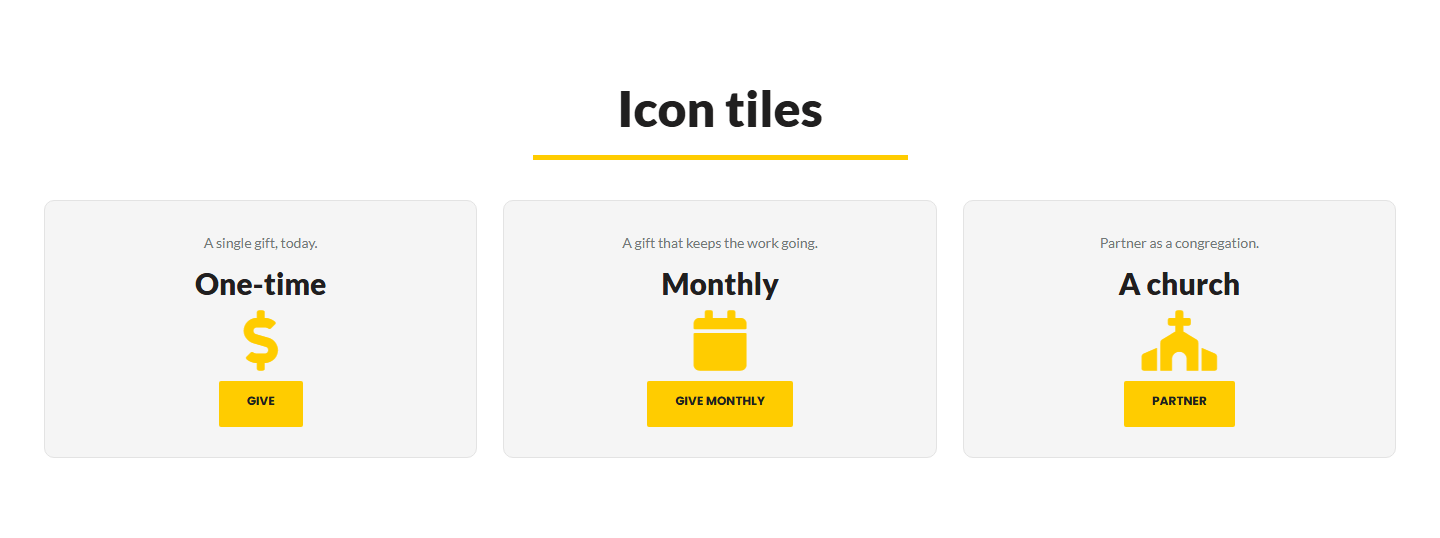
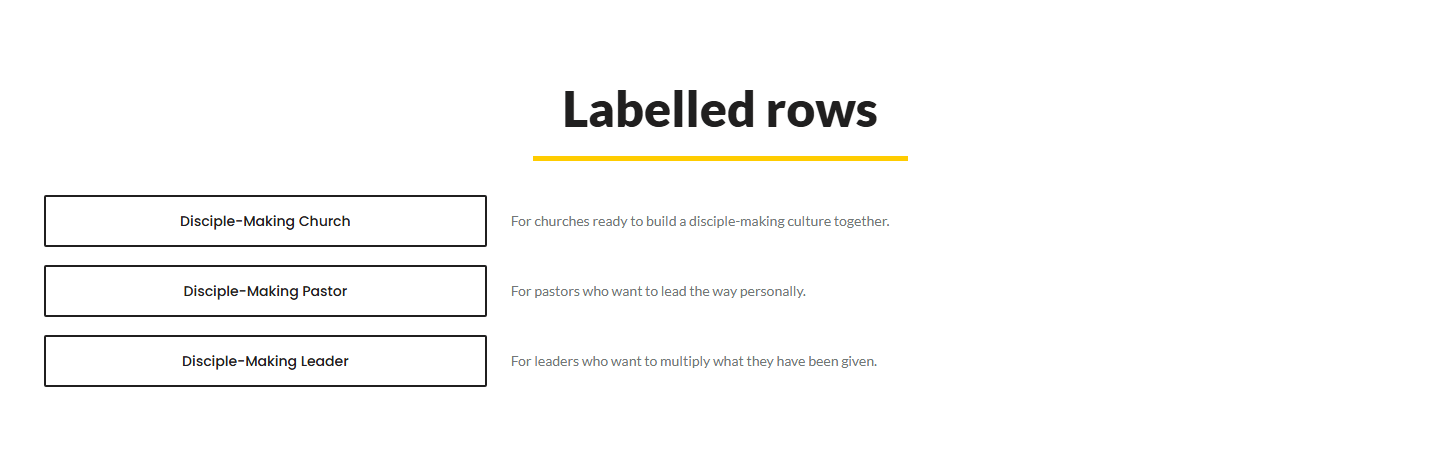
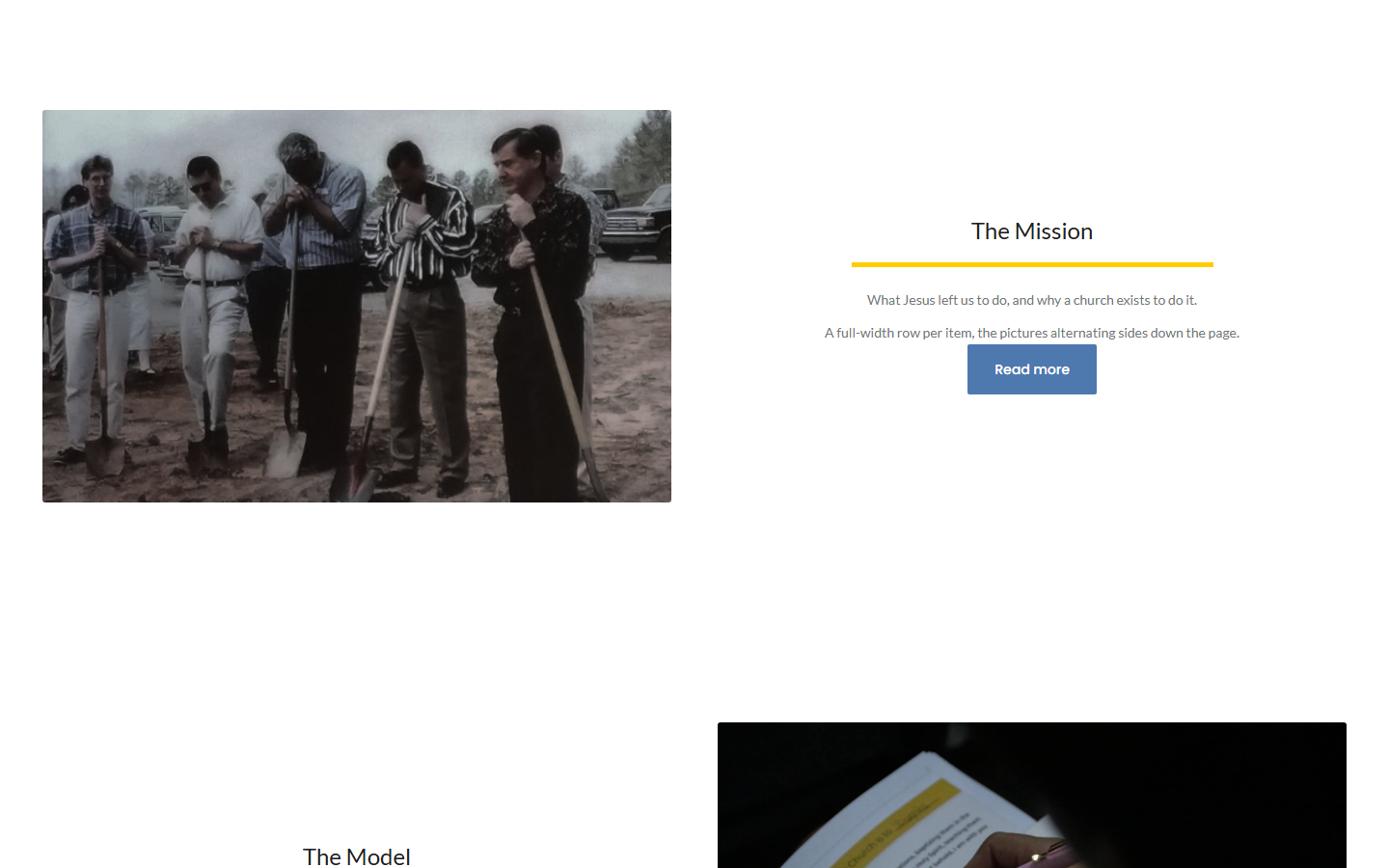
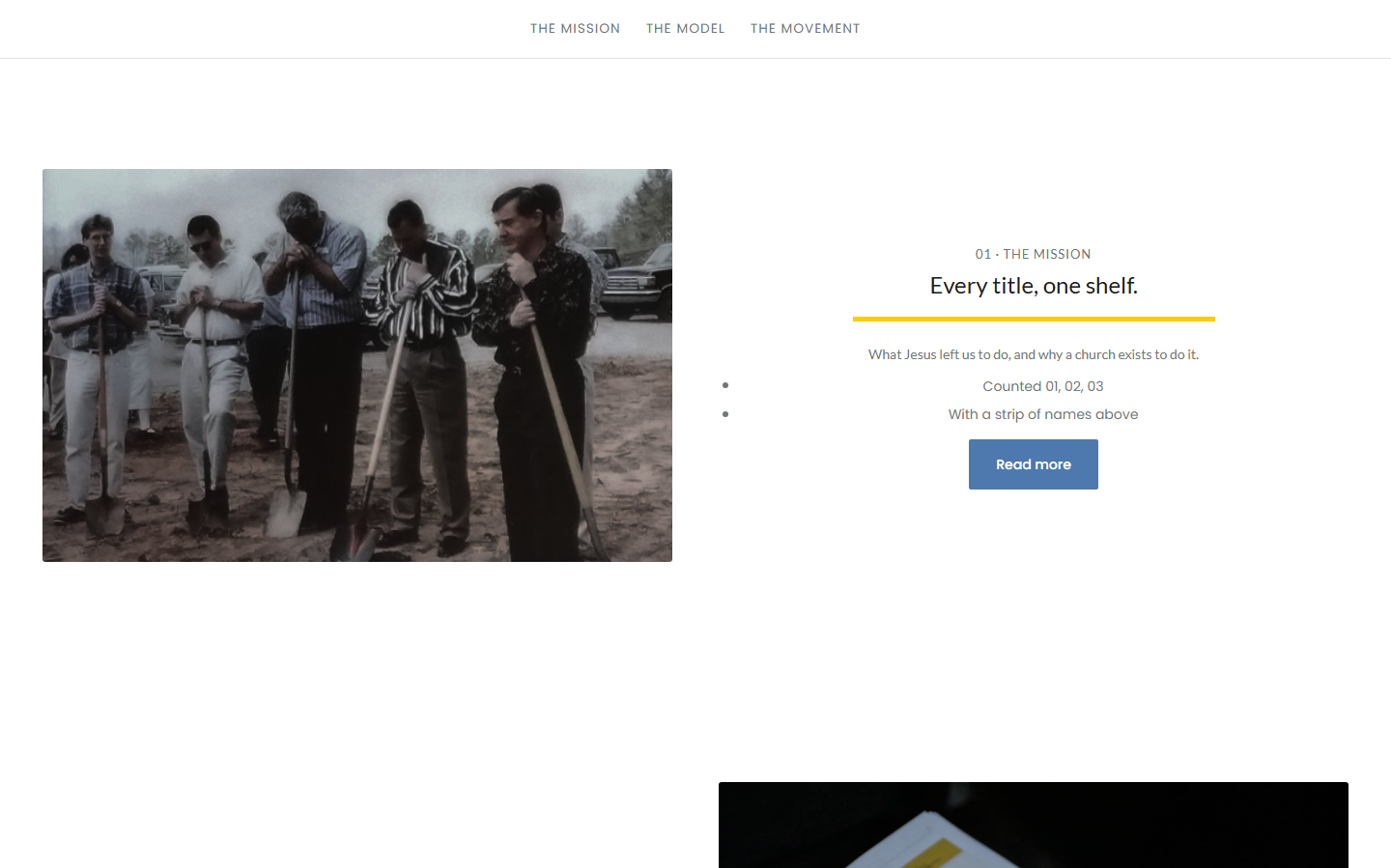

Drag List from Build your own into the structure.
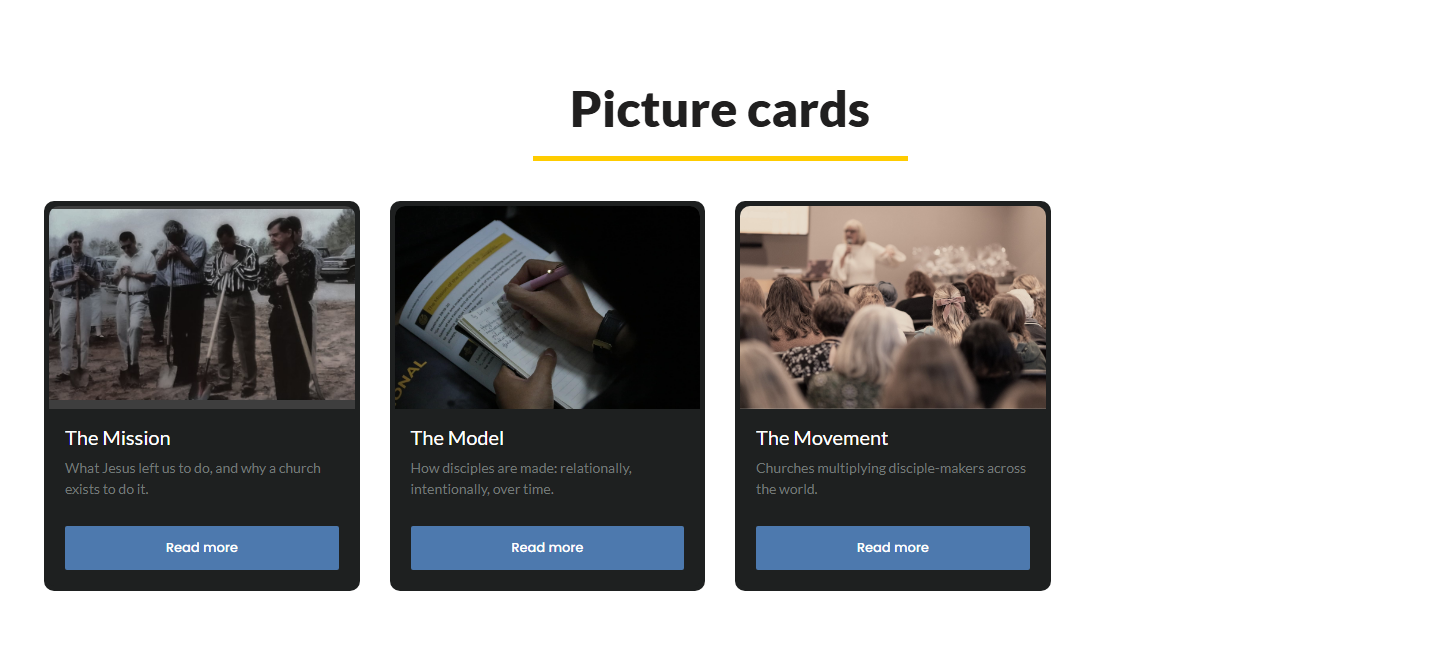
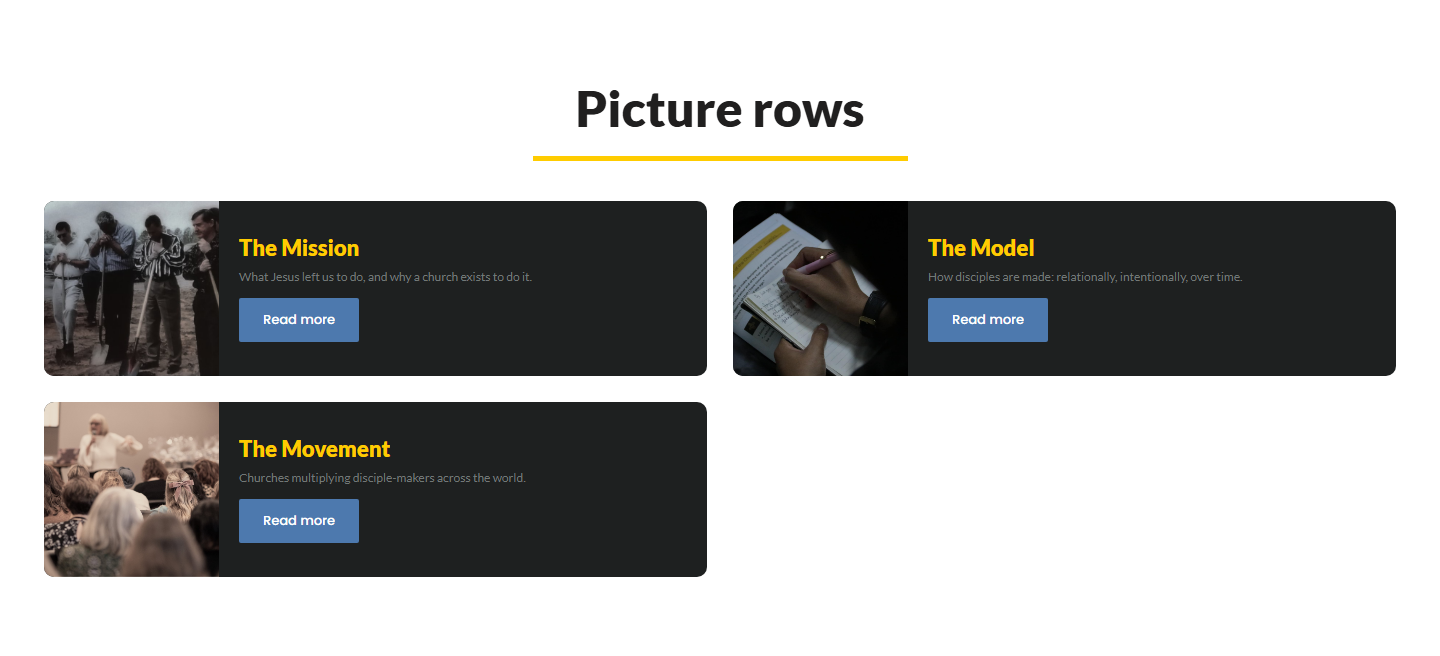
A short wizard asks what the list shows and how it should look, with a picture of each look.
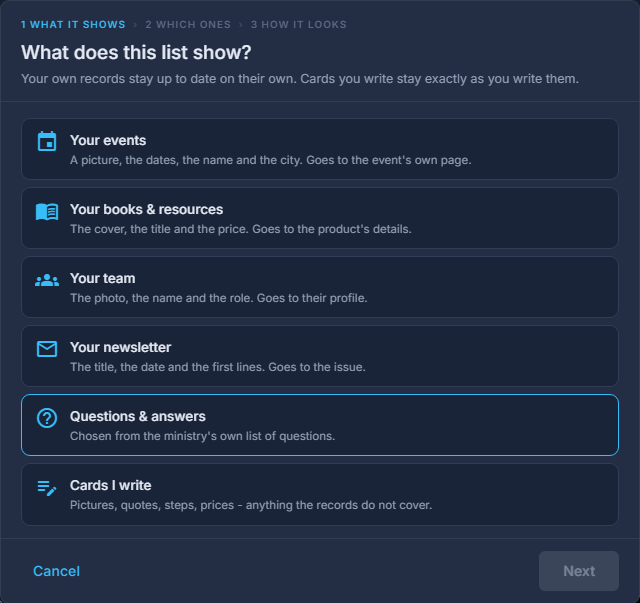
The List wizard: what the list shows, then how it should look. On What it shows, choose "Cards I write", one of your records, or Questions & answers.
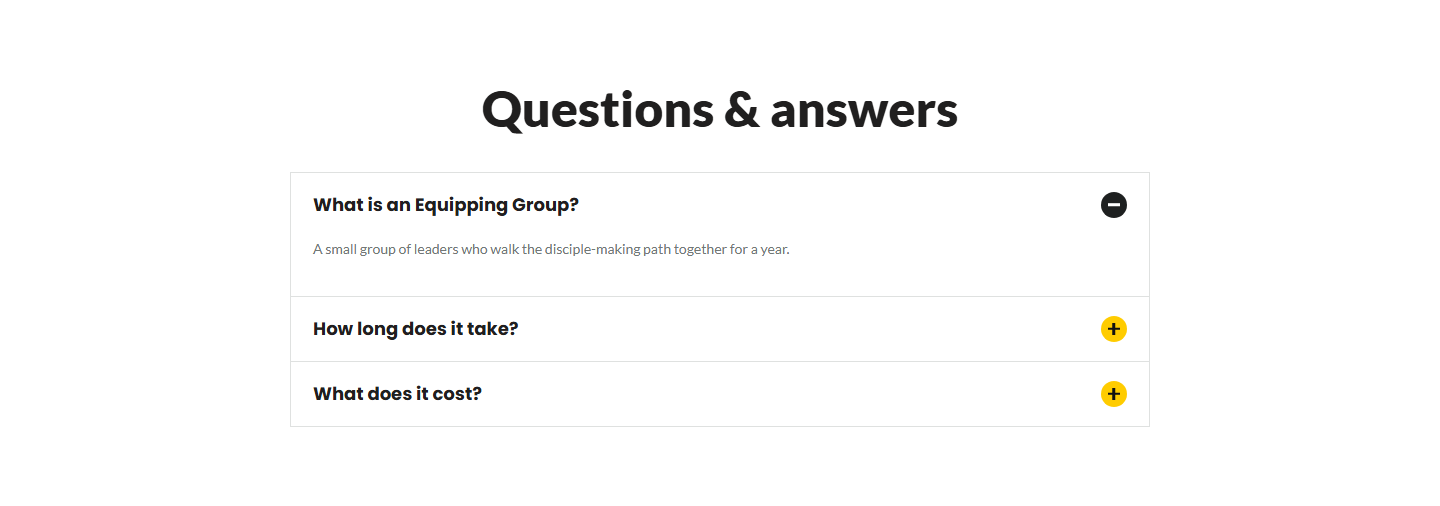
Cards I write means you type the items. Your events, Your books & resources, Your team and Your newsletter mean the site draws them itself and keeps them current on its own. The same choice is "Typed Here" or "From Your Records" in a list's own settings later.
On Which ones and How it looks, choose, then press Add It to the Page.
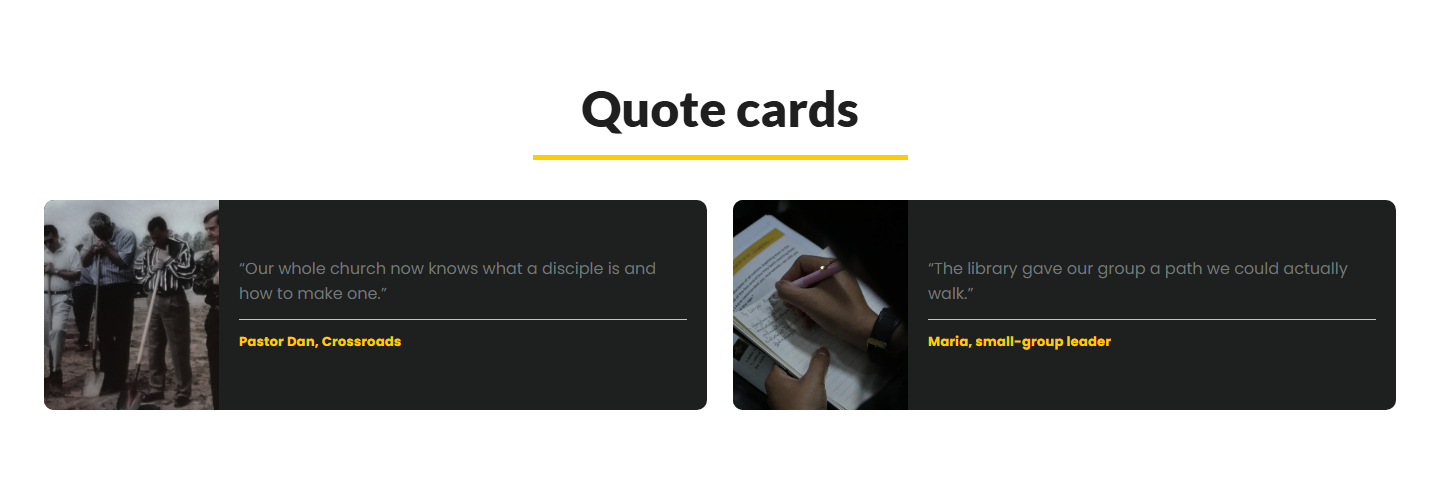
For a record, Which ones is the list of them to draw - or The ones I pick. For Cards I write, Which ones is the kind of card, in plain words ("A picture, a title and a line", "A quote and who said it"), and there is no third step. Picture cards take three switches of their own afterwards: frame each card, limit the text to two lines, make the whole card clickable.
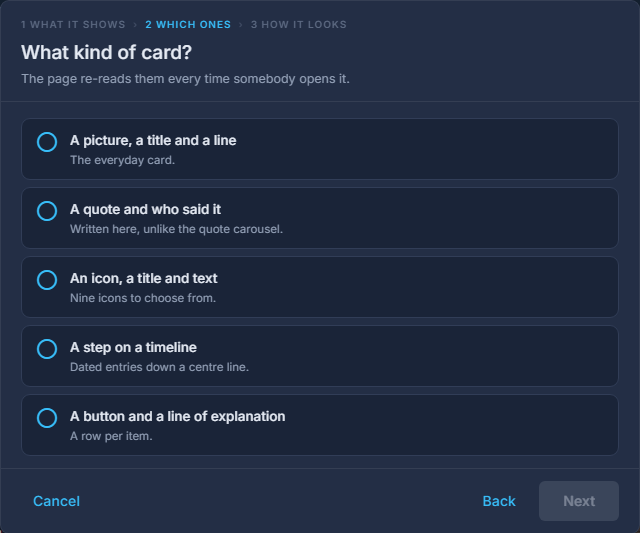
Choosing a look. It can be changed whenever you like. Double-click the list to type its items.
Each item is a title, copy and, depending on the look, a picture, an icon, a button and where it goes. Drag items by their grip to reorder them. The heading and the line under it belong to the list itself.
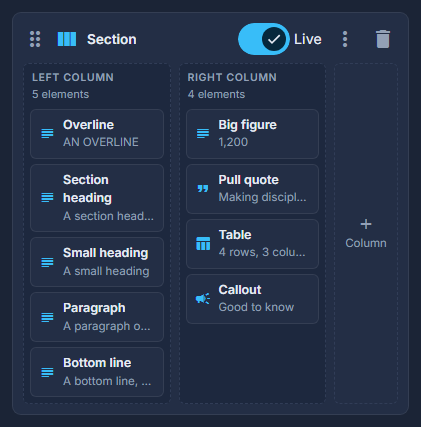
A List in the structure: its items in order. Set how many cards sit in a row.
For the card looks only: two, three or four. On a phone they stack.
The Quote carousel and Questions & answers do not hold their own words. The quotes come from Page Records, Testimonials - the types ticked under "Show Quotes About", with Add a Quote to write a new one - and the questions from your list of questions, so the same quote can appear on several pages and is corrected once.
Two older looks - Price tiles and Picture tiles - are no longer offered. A page that has one still draws it; the Price card element and Picture cards do their jobs now.