Three upcoming events typed onto the front page go stale the day the first one passes. A List that reads your records instead stays true on its own: the page re-reads them every time somebody opens it. What is stored on the page is the choice, never the records.
The screens pictured here are an example ministry’s, so the names and figures in them are not yours. Everything they show works the same way in your own admin.
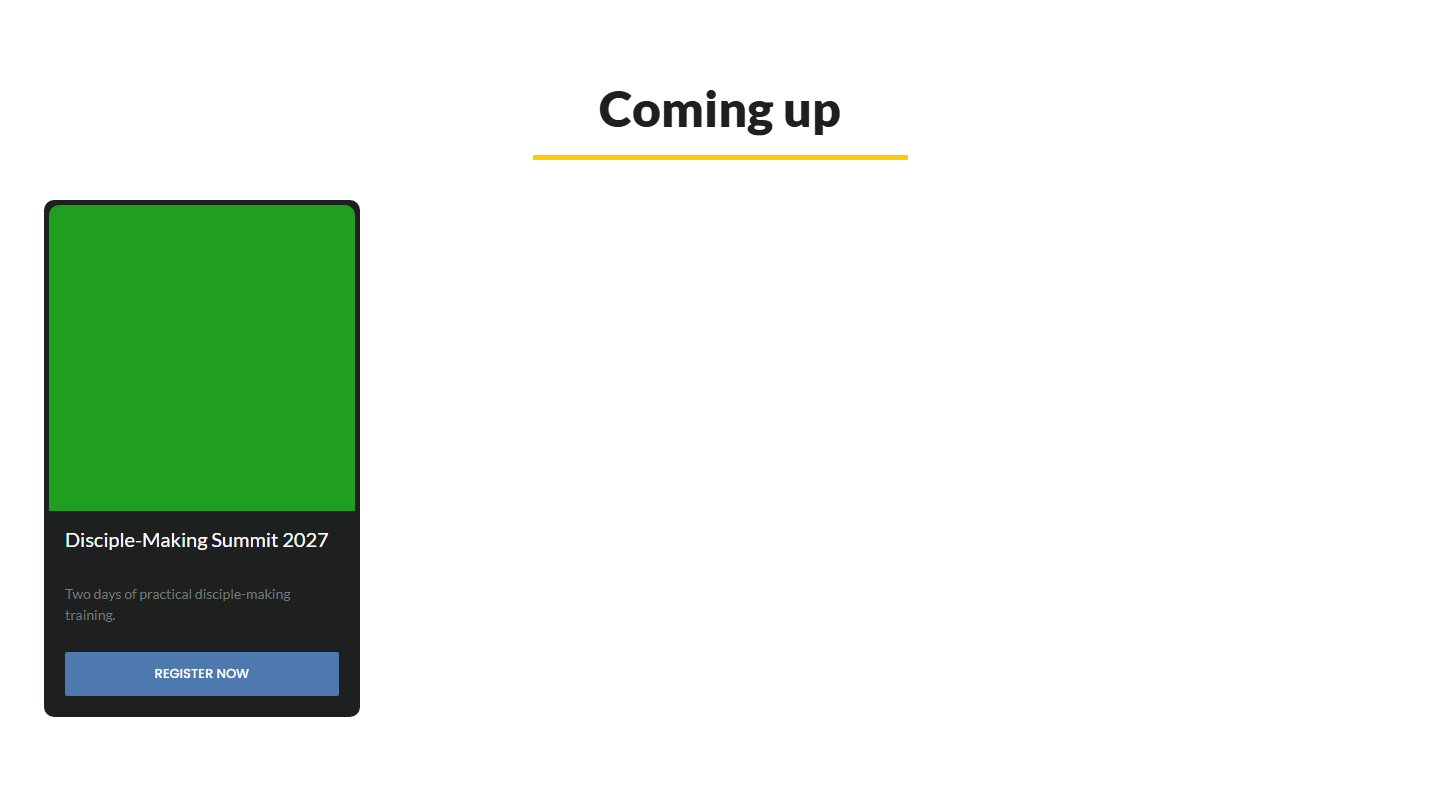
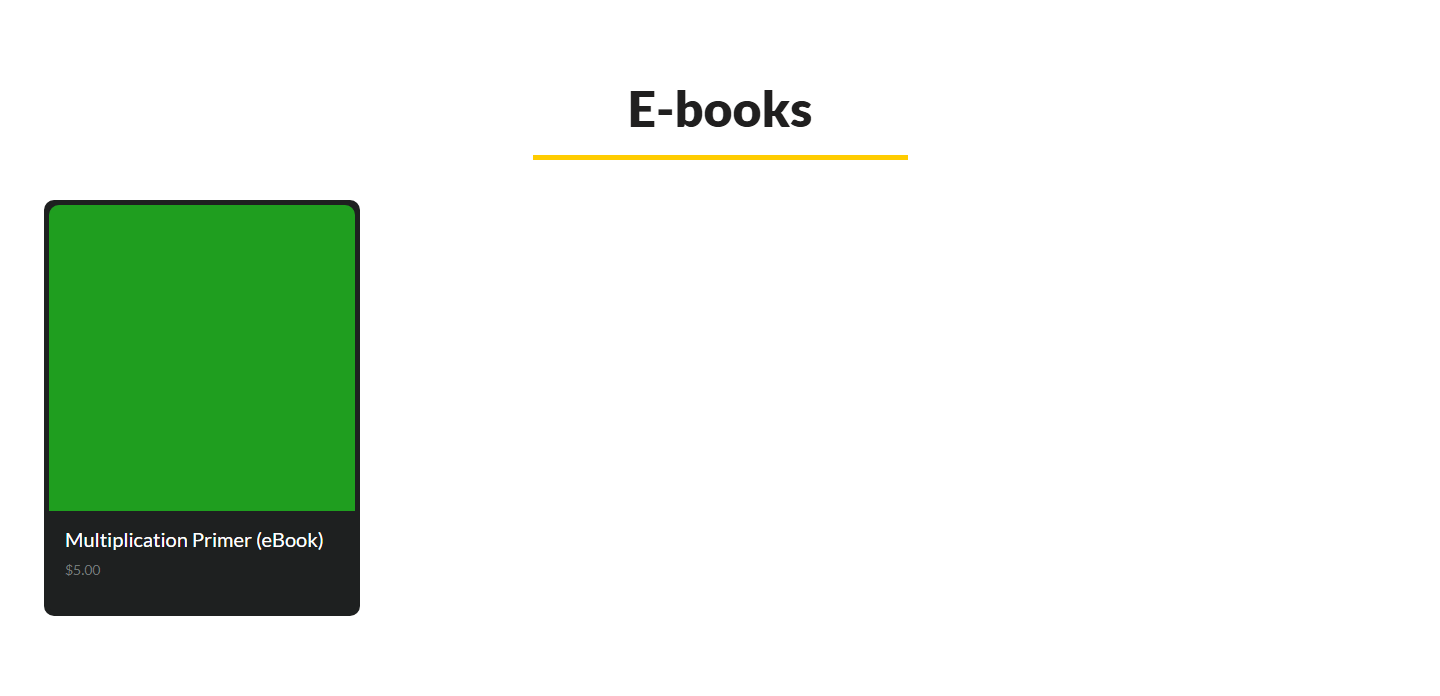
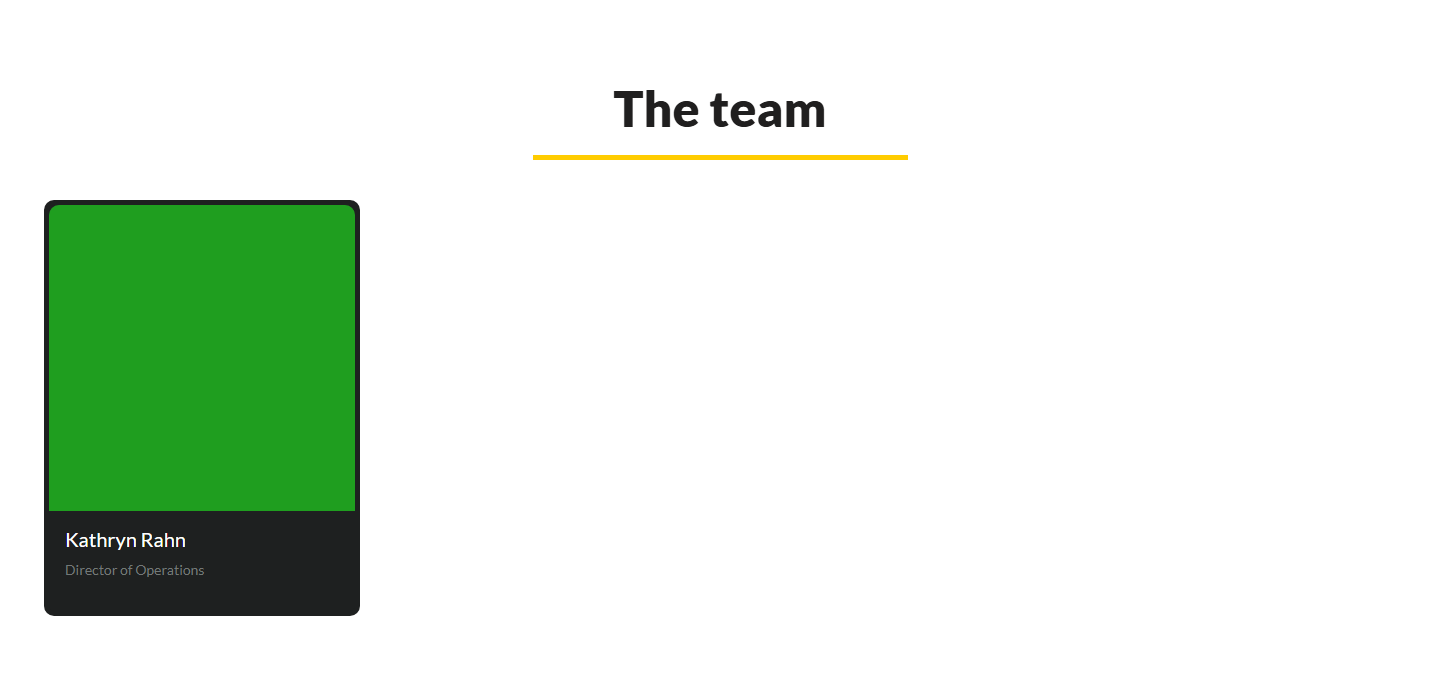
Add a List and choose one of your records in the wizard - Your events, Your books & resources, Your team, Your newsletter - or double-click an existing list and change "Where the items come from".
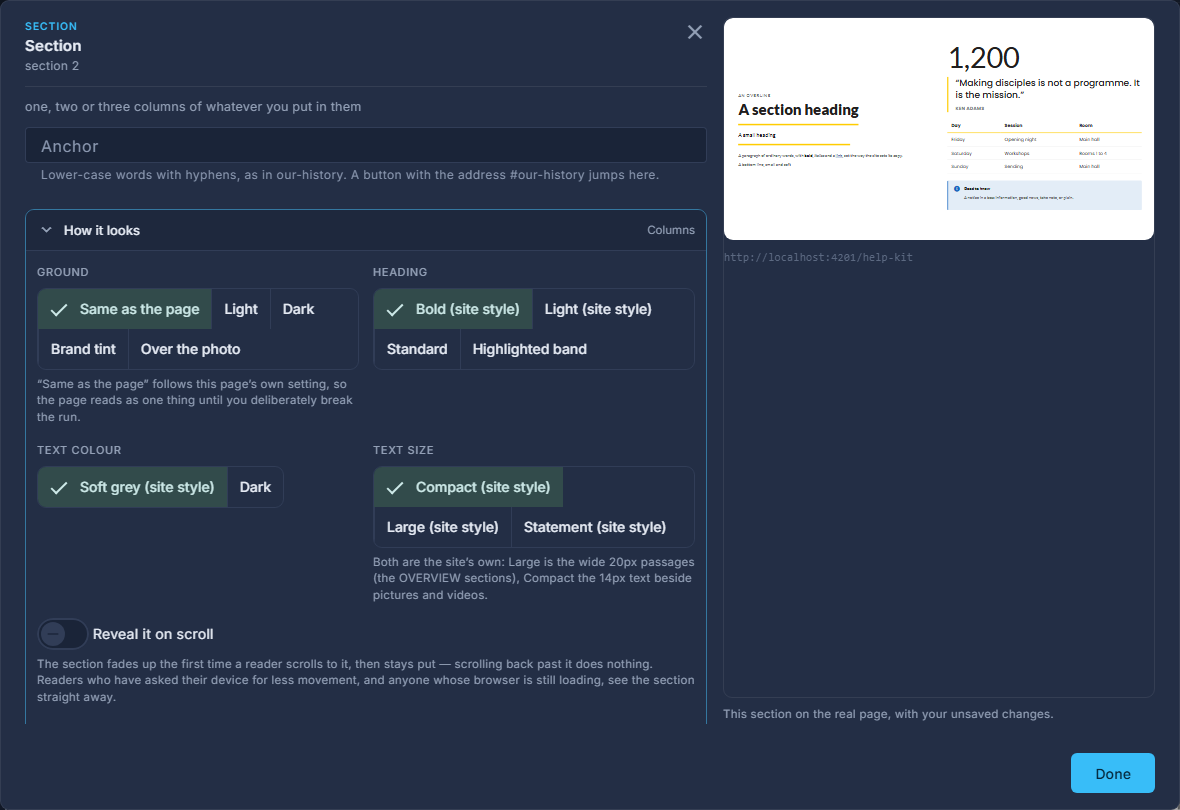
A List's own settings, with "Where the items come from": typed here, or one of your records. Choose which list.
Events: Coming up, In person, Online. Books & resources: One series, One category, E-books, Free resources, On sale now. The team: Everyone on the team. Newsletter: The latest issues.
For One series or One category, pick which.
A list that needs a pick draws nothing until it has one - the designer says "choose a series" rather than showing everything.
Choose a look and how many cards in a row, as for any list.
Each kind draws its own card: an event shows its picture, dates, name and city and goes to its page; a resource shows its cover, title and price; a team member their photo, name and role.
A kind you have switched off is not offered. A ministry without the store is not offered Books & resources, because the list would always be empty.
On sale now empties itself when a sale ends, and Coming up drops an event the day it is over. That is the point: nothing on the page needs remembering.