When there is more than a visitor wants to read at once, fold-open panels let them open only what they came for. Each panel is a column with a name: the name is the header, the column is what opens under it.
The screens pictured here are an example ministry’s, so the names and figures in them are not yours. Everything they show works the same way in your own admin.
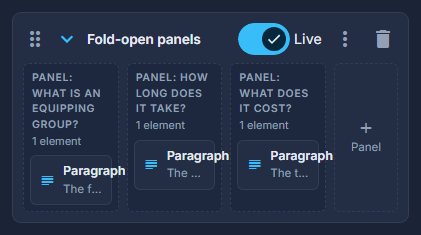
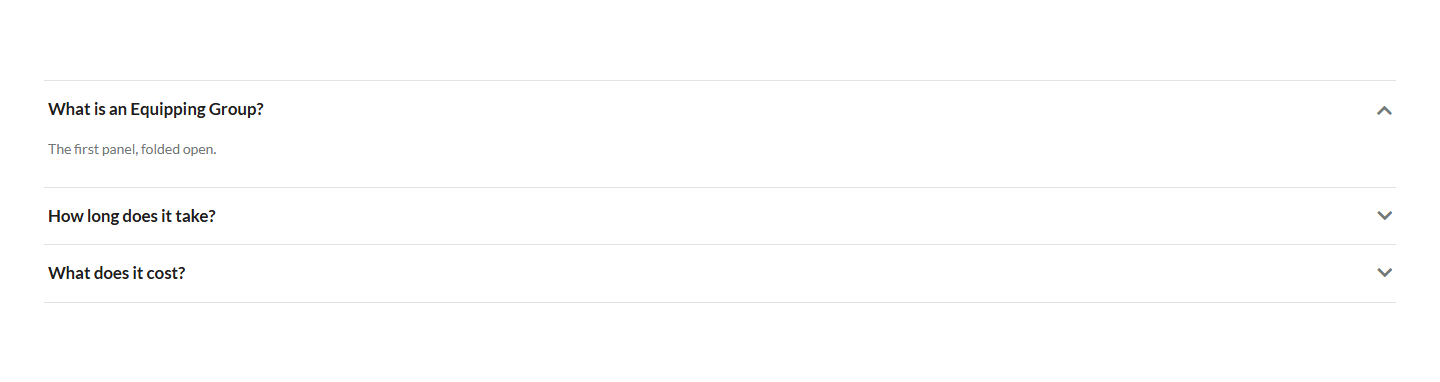
Drag Fold-open panels from Build your own into the structure.
Add a panel with + Panel, and double-click each to name it.
The name is the line a visitor presses. Drag panels to reorder them.
Drop elements into each panel.
Words, pictures, a button - anything a column takes.
For a list of questions and answers, the Questions & answers look of a List is quicker: the questions come from your own list, and every page that shows one shows the same answer.