Sometimes a column needs a breath between two things, or a line to say one thing has ended and another begun. The Spacer or divider element is both: choose the line, or none, and how much room goes round it.
The screens pictured here are an example ministry’s, so the names and figures in them are not yours. Everything they show works the same way in your own admin.
Drag Spacer or divider into the column where the gap should be.
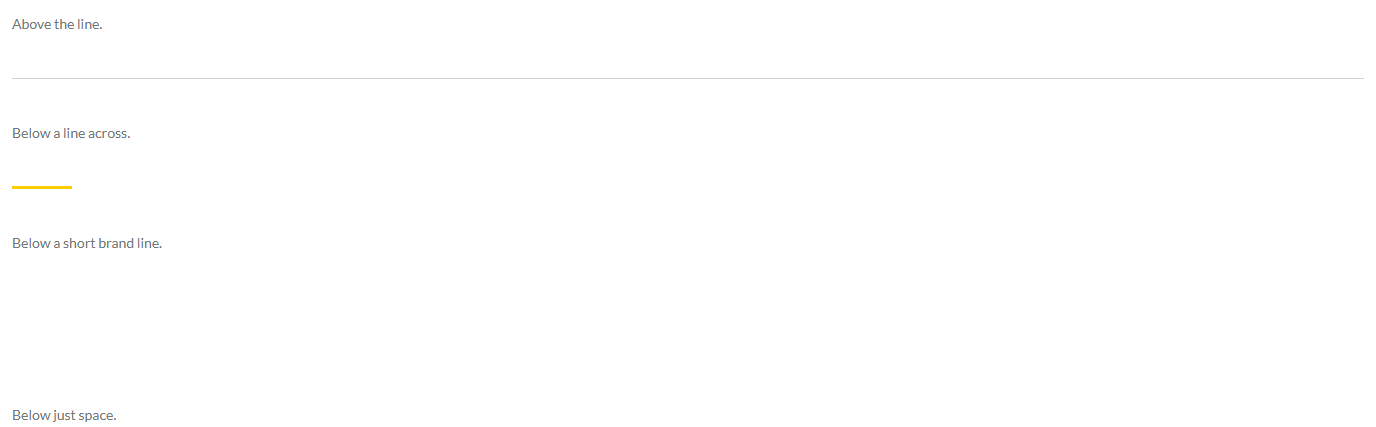
Choose the line: a line across, a short brand line, or just space.
The short brand line is the rule headings wear.
Choose the room round it: small, medium or large.