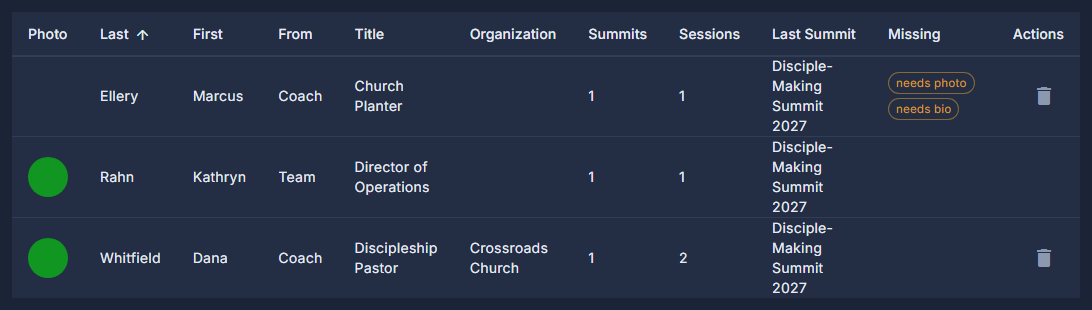
The summit page shows each speaker's picture and bio. This report lists everybody on a summit agenda and every coach you have added, and marks in amber whoever still needs a photo or a bio - so the gaps are found here rather than on the public page.
The screens pictured here are an example ministry’s, so the names and figures in them are not yours. Everything they show works the same way in your own admin.
Open Back Office, then Events, then Coaches under Reports.
Look for the amber tags.
needs photo and needs bio mark a profile the summit page would show with a gap. Type in the search box, or use Filter, to narrow the list.
Double-click a row to fill it in.
A coach opens EDIT COACH. A Team member opens their Team page record - the same one your Team page shows, so one change covers both.
Open the ☰ and choose Export to Excel to take the list away.
There is no New button: a coach is added on a summit session. See Add a coach to a summit session.
A coach can be deleted only when no agenda names them. Take them off every session first - the report says how many sessions they are on.
A Team member is removed on Team Page, under Site, then Page Records - not here.