Where depends on how people attend. An in-person event needs a venue for the public page and the confirmation email; an online one needs the link people join with, which only registrants ever see.
The screens pictured here are an example ministry’s, so the names and figures in them are not yours. Everything they show works the same way in your own admin.
Open the event and press Where on the strip.
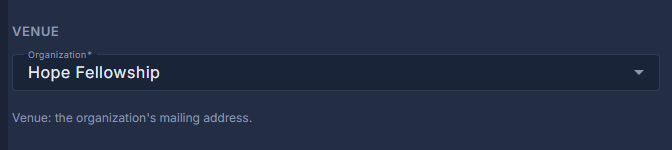
For an in-person event, choose the Organization.
Its mailing address is the venue. An organization with several sites also offers a Location; leave it on Main address to use the mailing address. Organizations are kept under Back Office, People.
For an online event, decide whether People sign up on Kajabi.
Off: people register on this site and are emailed the Meeting link, which is placed in their emails and on their own registration page and never on the public page. Meeting details is for a passcode or dial-in numbers. On: the event page sends people to the Kajabi Purchase and Subscribe addresses instead.
For Both, fill in the venue and the Kajabi addresses.
Both is an in-person event with a Kajabi option beside it, not a Zoom link.
Press Save.
An online event's attendee list has Send the Link Again, which emails the meeting link to everybody still registered.