Changes you have not published yet can be thrown away in one press. Changes that are already on the site can be rolled back to any version that has been live before.
The screens pictured here are an example ministry’s, so the names and figures in them are not yours. Everything they show works the same way in your own admin.
For changes you have not published: press Discard Changes in the page frame.
That button only appears when something is waiting. It throws away everything since the last time you published the page.
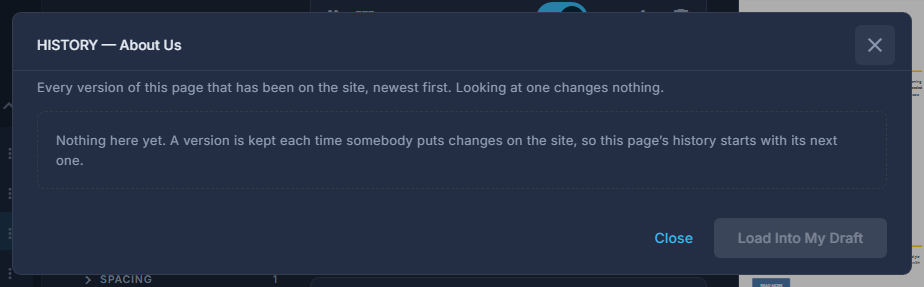
For something already live: open the button at the end of the frame and choose History.
Pick a version, look at it on the right, and press Load Into My Draft.
Looking changes nothing. Loading puts that version in as waiting changes, so you can check it and then Publish the ordinary way. The version on the site now is marked and cannot be loaded over itself.
Discard cannot be undone. If you are not sure, publish the changes and roll back afterwards instead - every version that has been live is kept.
A page's history starts with the first time its changes are published, so a brand-new page has nothing to go back to yet.