Provisioning and deploys run as jobs on a worker, not in your browser. You can close the console and come back. The job carries its own step list, so what you see is what it is actually doing.
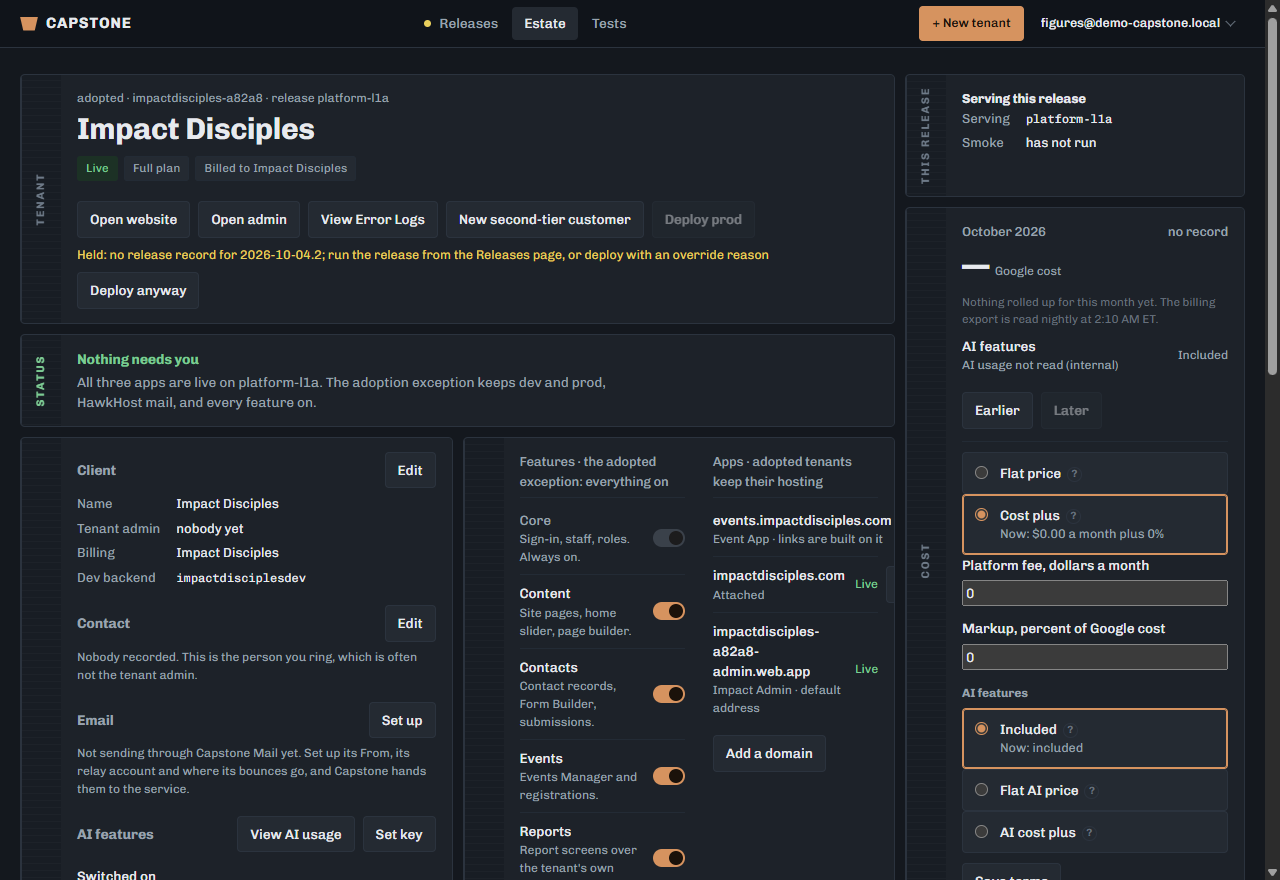
Open the tenant’s screen and look at Job.
The step it is on, and the ones already done.
Read the twelve steps in order.
Create project, Link billing, Enable APIs, Create Firestore, Auth and Root, Storage bucket, Hosting site, Write secrets, Push tenant config, Build and deploy, Attach domain, Verify. In plain terms: it makes them their own corner of Google, turns on what they need and pays for it, builds somewhere to keep their records and sign their people in, puts their settings in, builds and publishes their apps, and checks the lot.
On a failure, open the step to read its error.
The message is the worker’s own, not a summary of it.
Fix the cause, then retry the job.
A retry resumes rather than starting again, so the steps that succeeded are not repeated.
Most first-run failures are billing or APIs — steps two and three — and both are about the Google account rather than anything the ministry did.