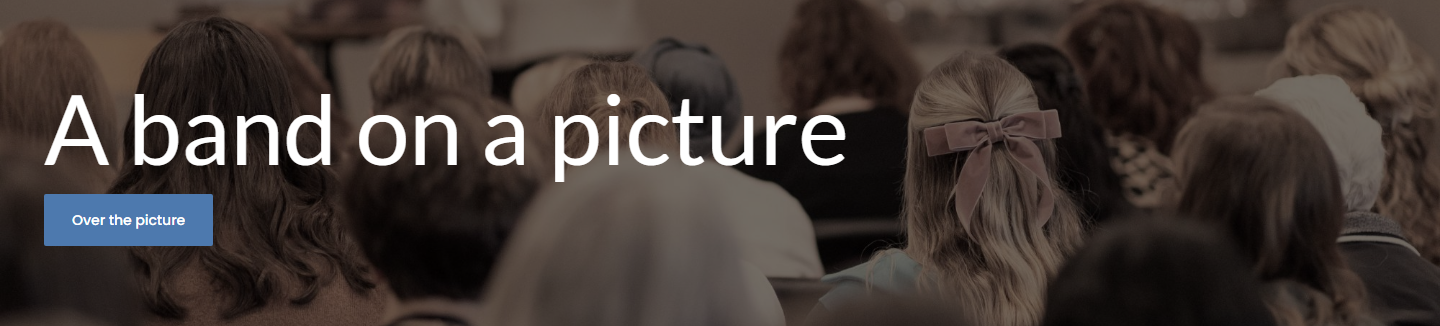
A media band is the header's trick, anywhere on the page: a picture or a video the whole width of the screen, and your elements over it. Its ground is the media, so there is one thing to choose - which picture, or which video - and a shade over it that keeps light words readable.
The screens pictured here are an example ministry’s, so the names and figures in them are not yours. Everything they show works the same way in your own admin.
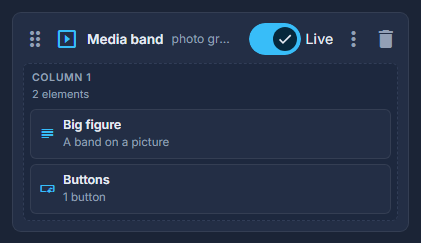
Drag Media band from Build your own into the structure.
Double-click it and choose the picture, or a background video.
A video plays silently and loops. A phone can be given its own picture instead of the video, so nothing heavy downloads on a small screen.
Choose the shade: none, light, medium or strong.
How much is needed is a property of the photograph. A light photo under light words wants a stronger shade.
Set the height, from short to poster, and drop elements into its column.