Once an email has gone it cannot be changed, only looked at. Sent Emails is that record, across every campaign, so "what did we send in March" is one screen rather than a campaign at a time.
The screens pictured here are an example ministry’s, so the names and figures in them are not yours. Everything they show works the same way in your own admin.
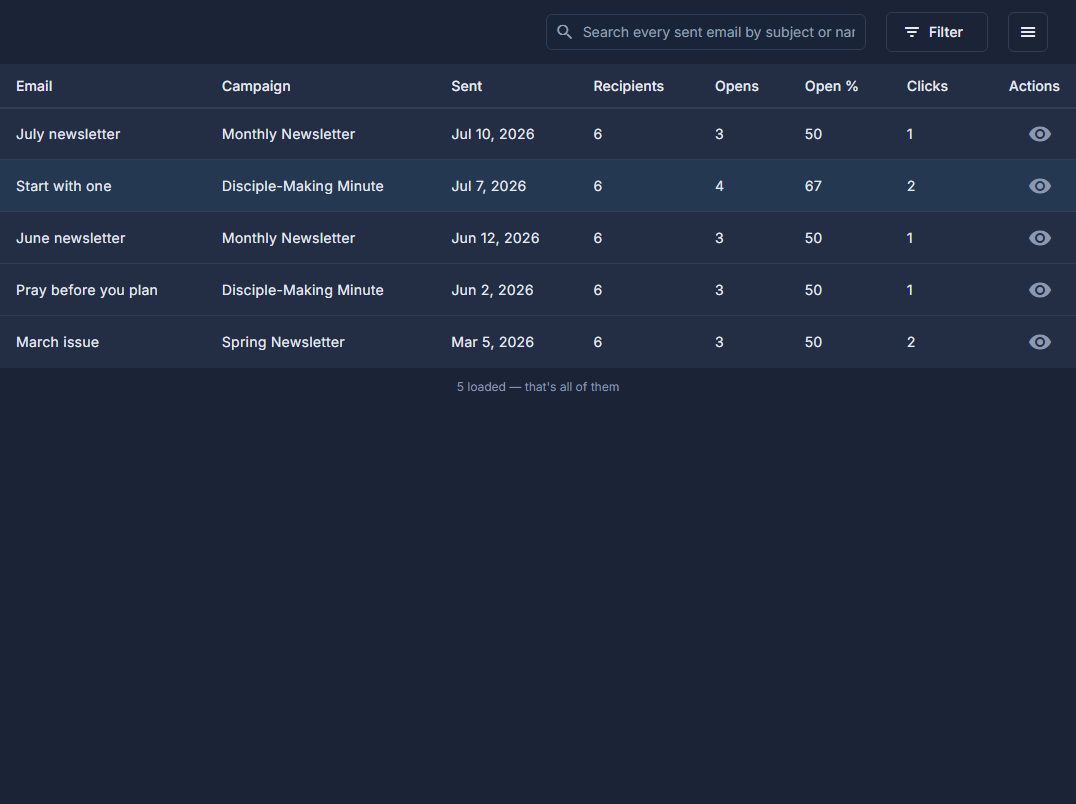
Open Back Office, then People, then Campaigns, open the ☰ at the top of the list and choose Sent Emails.
Type any word of the subject, or the email's name, into the search box.
It searches every email ever sent, not only the ones on screen: "christmas" finds "Our Christmas Newsletter". Press Filter to narrow by the day it was sent.
Press the eye on a row to read the email as it was sent.
The columns say how many received it, how many opened it and how many clicked.
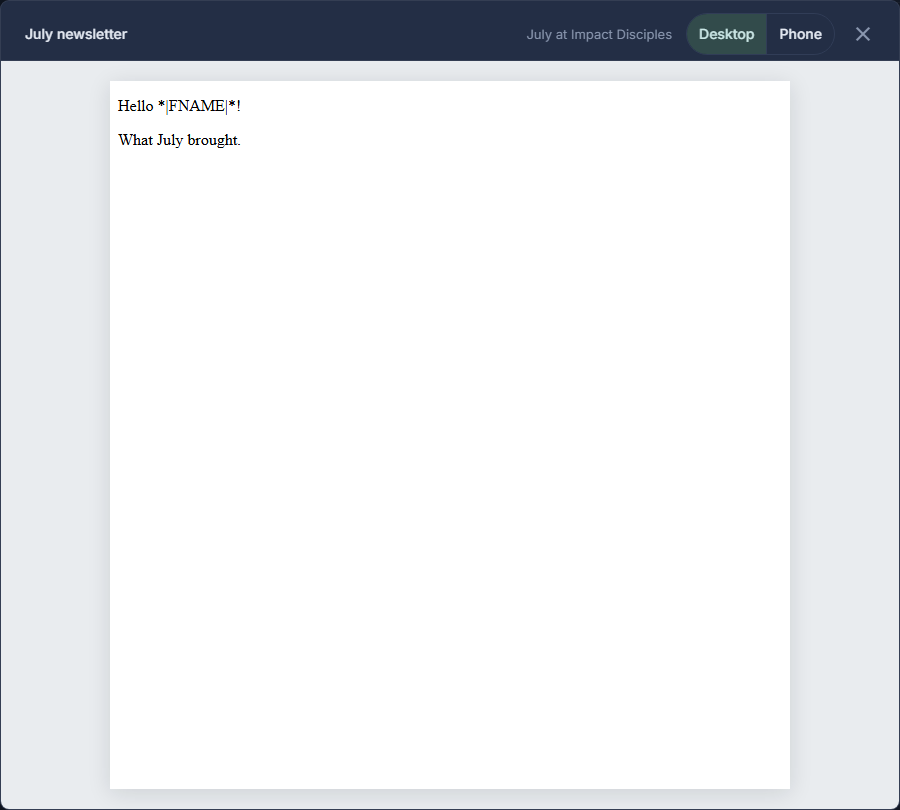
A sent email, previewed. Press anywhere else on the row to open its campaign.
Press the back arrow beside the title to return to the list of campaigns.
Columns and Export to Excel work here as on any list: show the Subject column, or take the whole history away as a spreadsheet.