Impact calls its newsletter the Disciple-Making Minute; another ministry calls it something else. The name is one setting. The newsletter page on the site wears it in the browser tab and on every issue's "All of ..." link back to the list. In the admin, the newsletter's campaign says "Posts to the ... page" with it, a new campaign offers that page by it, and a new issue's email subject starts as it.
The screens pictured here are an example ministry’s, so the names and figures in them are not yours. Everything they show works the same way in your own admin.
Open Site, then Settings, then the Info tab.
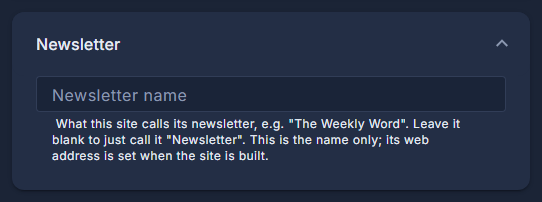
Type the name into Newsletter name.
Leave it blank to call it simply "Newsletter". This is the name only - the web address of the newsletter page is fixed when the site is built.
Press Save.
The site and the campaigns use the new name the next time they are opened.
Two places keep their own words. The heading at the top of the newsletter page is designed with the page itself, and the menu link takes the name only when the newsletter is first switched on - after that, rename the link where you edit the menu.