These elements draw things that have one home elsewhere in the admin. Change the product in Products, the person on the Team page, the address in Settings, and every page showing it changes with it. Nothing here can go out of step.
The screens pictured here are an example ministry’s, so the names and figures in them are not yours. Everything they show works the same way in your own admin.
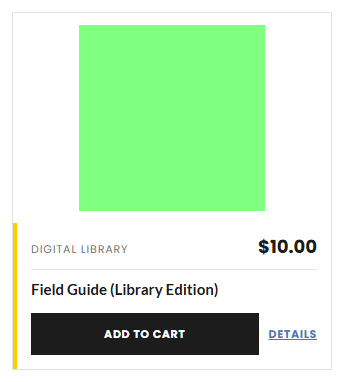
Product: choose the product and its look.
Only products the Store would show are offered. A sale or a campaign offer shows here on its own, as it does in the Store.
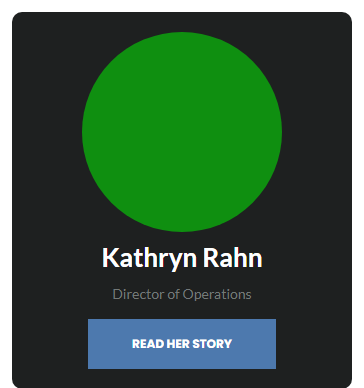
Team member: choose the person, and what the button says.
The photo, name, title and bio come from the Team page list.
Contact details: nothing to set.
These come from the site details and already feed the footer.
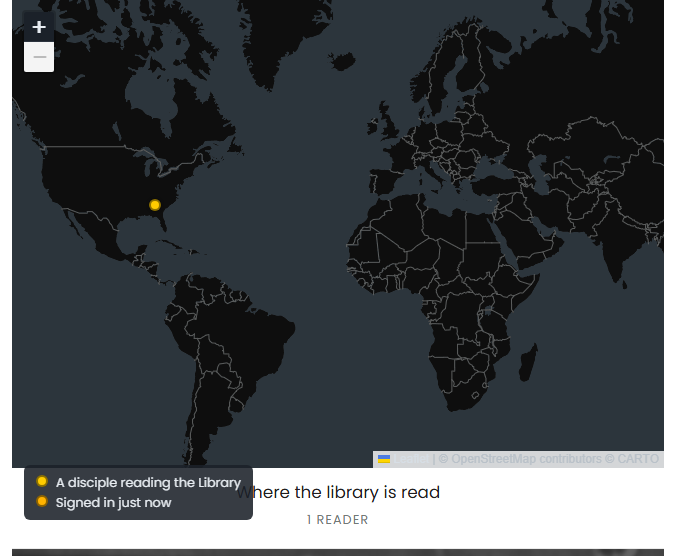
Where the library is read: write the caption under the map.
A dot per reader, with the place it is in and nothing else. Who those readers are stays in the Library screens.
Latest episodes: write the caption above them.
The episodes come from the playlist named in Site, then Settings, newest first, refreshed every hour. To change what appears, change the playlist on YouTube.
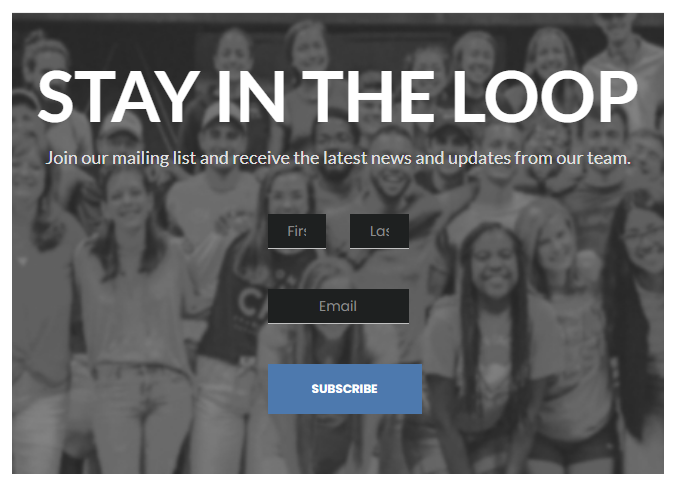
Stay in the loop band: place the ready-made section of that name.
The band is the element. To ask for different details, use the Sign-up form element instead.
A feature that is switched off for your site takes its elements with it: no store, no Product element. The rail says why when a chip is greyed out.